Convert PDF to LaTeX: Document AI-Powered Document Conversion
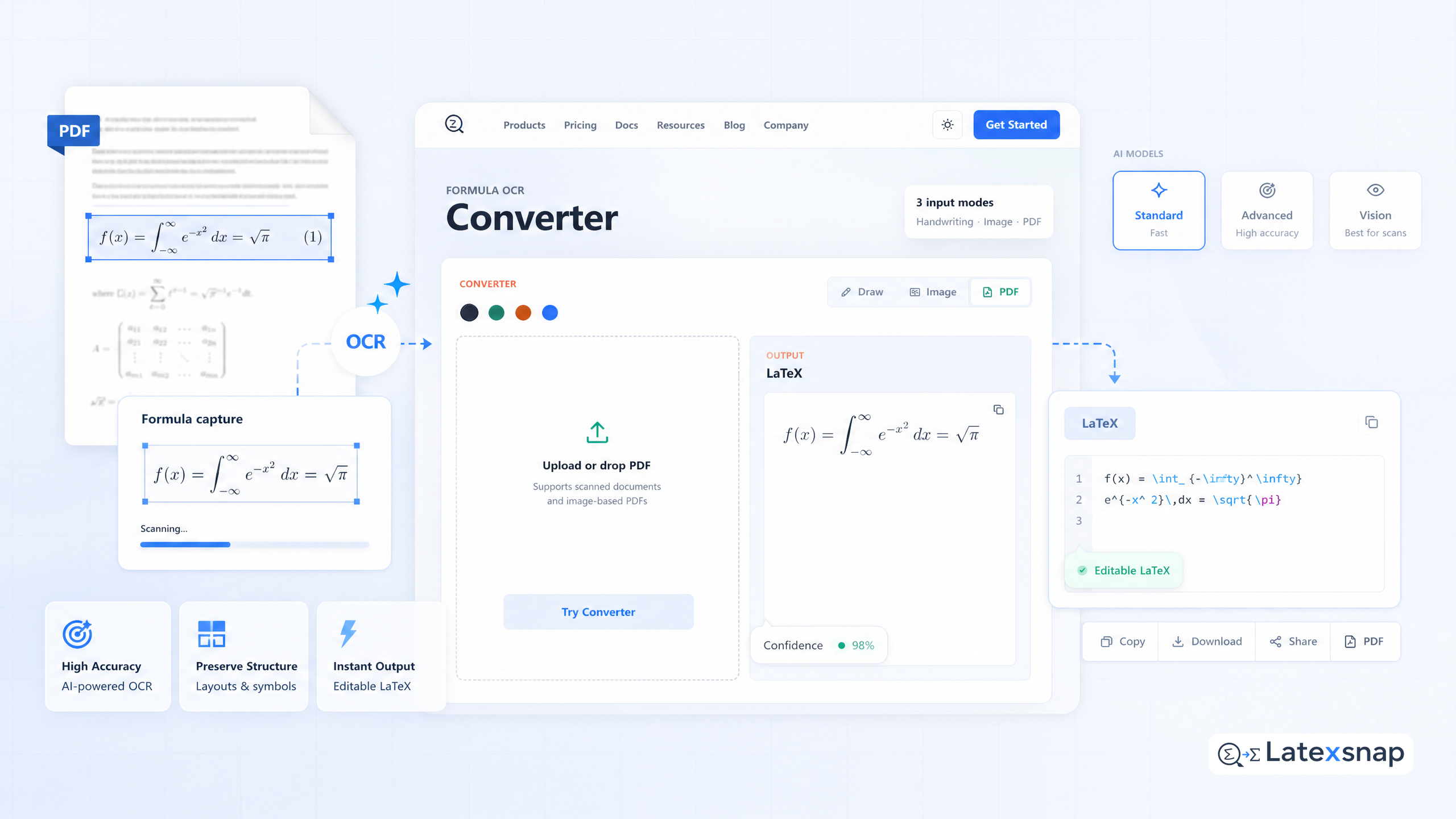
Convert PDF to LaTeX: AI-Powered Document Conversion
Working with PDF documents and need to convert them into editable LaTeX format? Whether you're dealing with research papers, legacy documents, or scanned files, manually retyping everything into LaTeX is time-consuming and error-prone. That's why we've developed our AI-powered PDF to LaTeX converter – a tool designed to transform static PDFs into clean, compilable LaTeX code with remarkable accuracy.
In this guide, we'll walk through how to use the converter, what to expect from the output, and how to fine-tune your results for academic or technical writing.
Why Convert PDFs to LaTeX?
PDFs are great for distribution, but not for editing. If you're a student, researcher, or technical writer, you may encounter PDFs containing equations, diagrams, or structured content that you want to incorporate into your own LaTeX documents. Converting these files manually is tedious and prone to errors, especially when dealing with complex mathematical expressions or multi-column layouts. For teams extending this workflow, How to Write Fractions in LaTeX is a natural follow-up for LaTeX editing workflow.
Our PDF to LaTeX converter automates this process by analyzing the document structure and extracting content in a format ready for LaTeX compilation. This saves time and ensures consistency across your documents. For a related next step on document OCR workflow, see PDF to LaTeX Converter Workflow.
How to Use the PDF to LaTeX Converter
Using the converter is straightforward:
- Upload your PDF file to the converter interface.
- Wait a few seconds while the AI analyzes the document.
- Download the resulting
.texfile.
The tool supports a wide range of file types, including scanned documents, handwritten notes, and images containing equations. It's particularly useful for digitizing old research papers or lecture notes that were originally distributed as PDFs. If you want to compare this with another practical angle, How to Convert Images to LaTeX Equations covers formula OCR workflow in more detail.
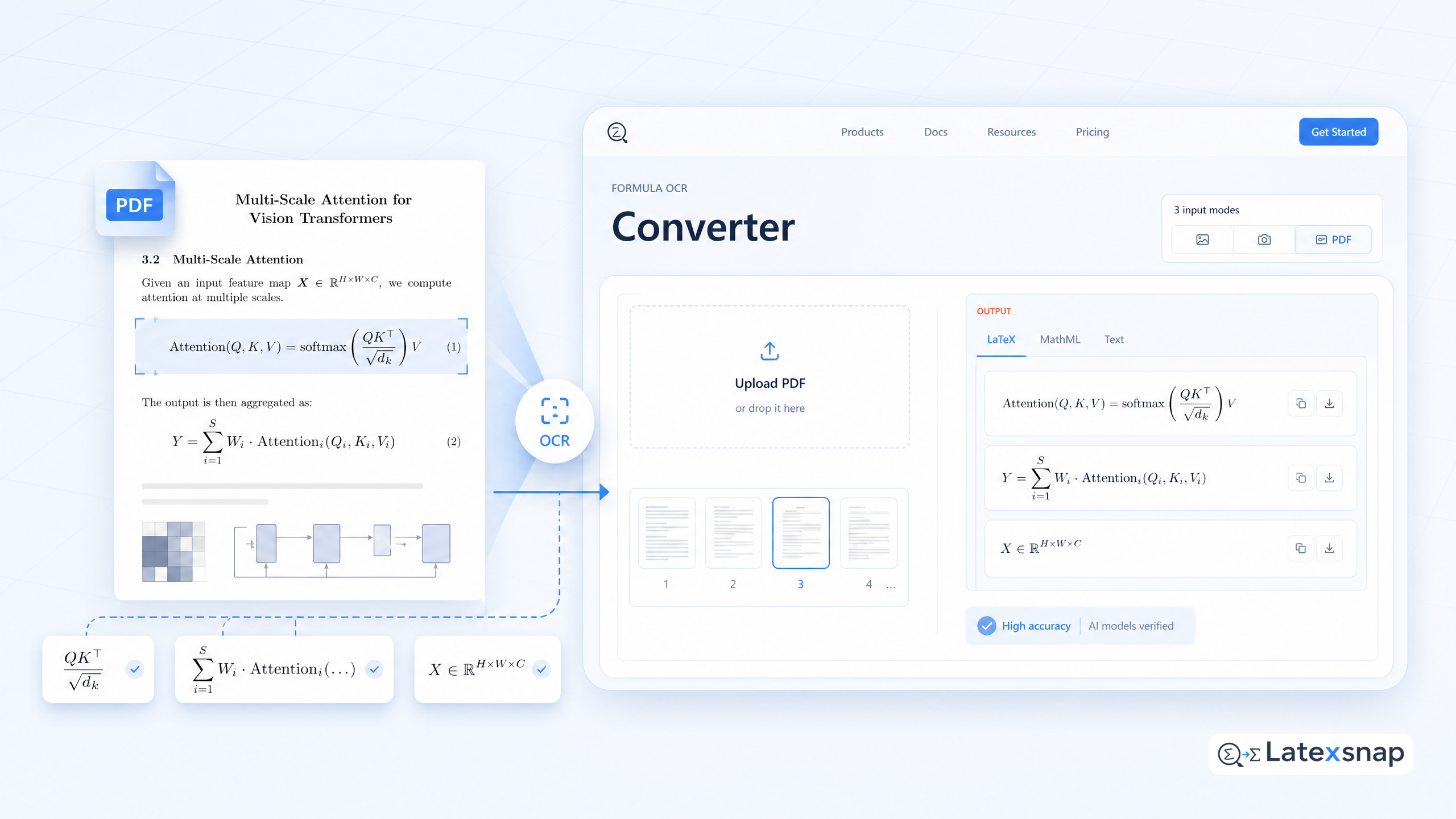
What You'll Get: Clean, Compilable LaTeX Code
The output from the converter is ready to compile with standard LaTeX distributions like TeX Live or MiKTeX. It includes:
- Properly formatted text and paragraphs
- Accurate reproduction of mathematical equations
- Structured sections, figures, and tables where applicable
- Minimal manual editing required
For example, a complex equation from a PDF will be converted into LaTeX syntax that compiles without errors. This makes the tool ideal for researchers and students who need to preserve the integrity of their mathematical content. A useful companion workflow is What New Document OCR Models Mean for Equation and PDF Conversion, especially when document OCR workflow becomes part of the review process.
Tips for Best Results
To get the most accurate conversion, consider the following:
- Use high-quality PDFs: Scanned documents should be clear and well-structured.
- Check equation formatting: Some symbols may require manual adjustment.
- Review citations and references: These may need to be reformatted to match your bibliography style.
- Test the output: Compile the generated LaTeX file to ensure everything renders correctly.
If you're working with a document that contains unusual formatting or non-standard notation, you may need to make minor edits. However, in most cases, the converter handles the heavy lifting for you. When the document pipeline gets more complex, TrOCR and Transformer-Based Reading for Image-to-LaTeX Workflows gives more context on transformer OCR.
Final Thoughts
Converting PDFs to LaTeX doesn't have to be a manual, time-consuming task. With our AI-powered converter, you can quickly transform static documents into editable, professional-grade LaTeX files. Whether you're preparing a research paper, converting lecture notes, or archiving technical documentation, this tool streamlines the process and ensures your content remains accurate and well-formatted.
Give it a try today and experience the power of AI-driven document conversion.
Convert formulas faster
Turn screenshots, handwriting, and PDFs into editable LaTeX.
