How to Write Fractions in LaTeX
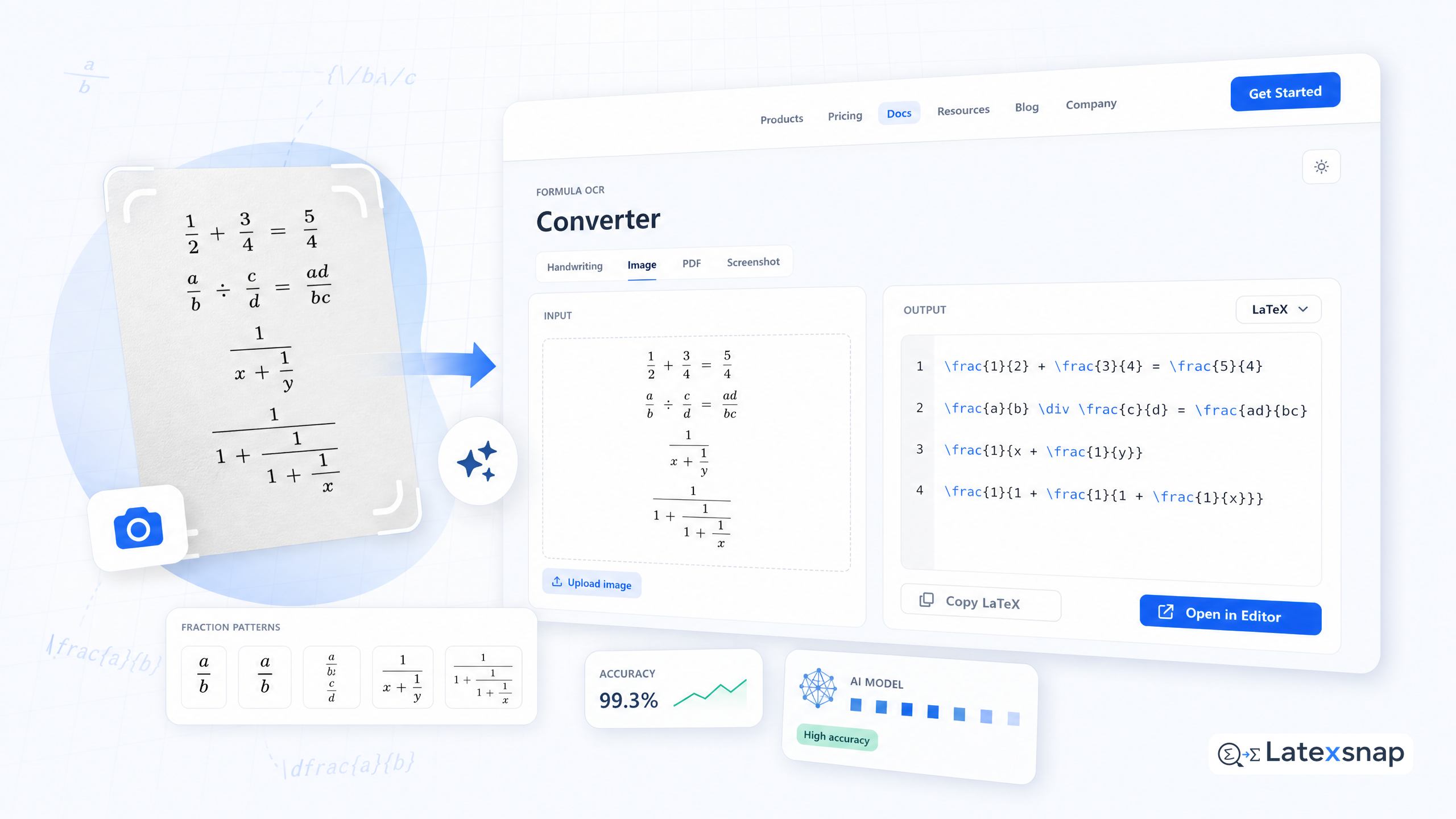
Fractions are fundamental to mathematical writing, and LaTeX provides multiple ways to display them beautifully. This comprehensive guide covers everything from basic fraction syntax to advanced formatting techniques for nested and complex fractions.
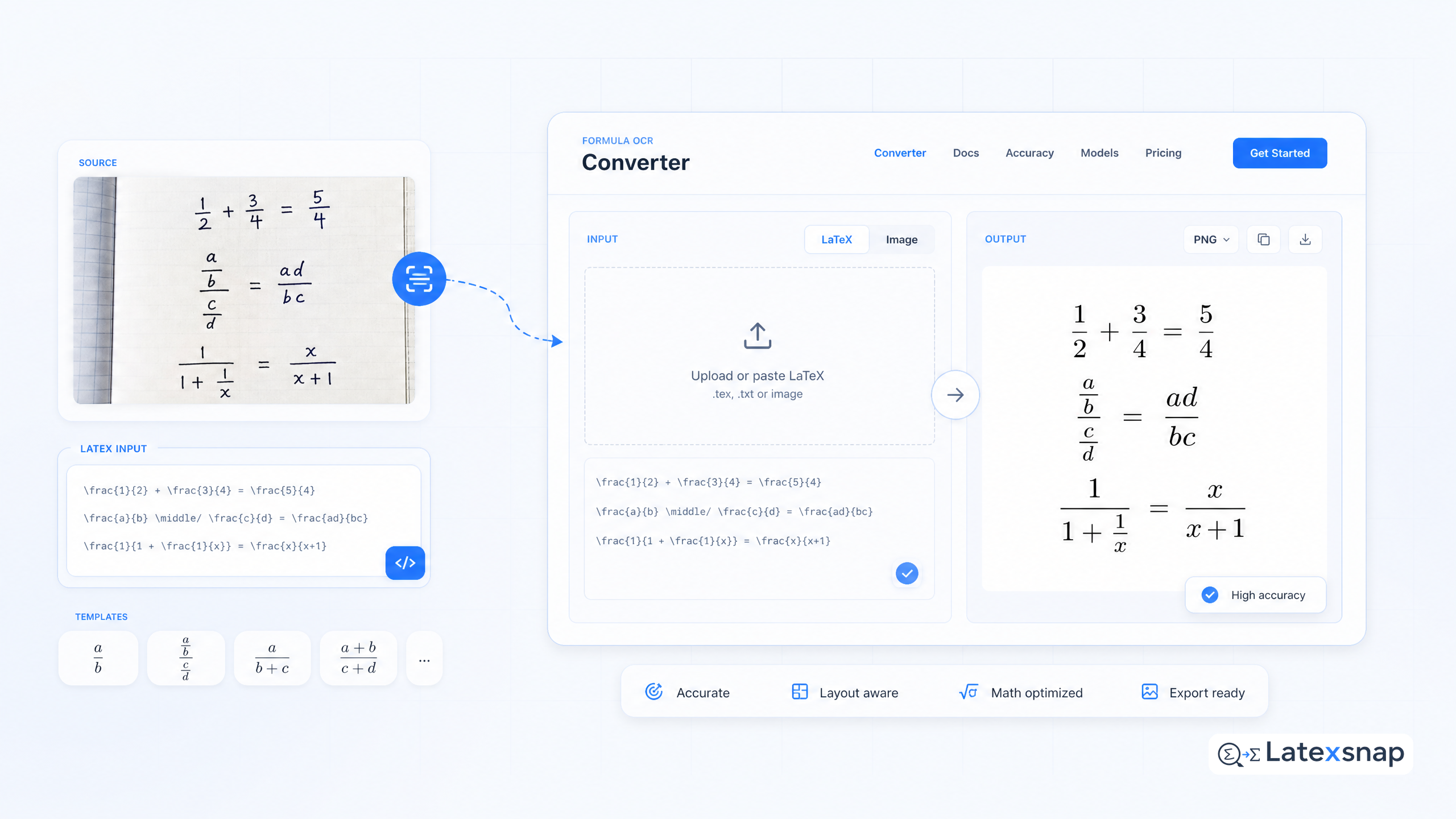
Have handwritten fractions or equations from textbooks? Use LatexSnap to convert them into editable LaTeX code. It transforms equation images, handwriting, screenshots, and PDF formula snippets into ready-to-use LaTeX.
Basic Fraction Syntax
The simplest way to create a fraction in LaTeX is using the frac command. The syntax is straightforward:
frac{numerator}{denominator}
For example, to write 1/2, you would use:
frac{1}{2}
This produces a properly formatted fraction with the numerator above the denominator.
Alternative Fraction Commands
LaTeX offers several alternative commands for creating fractions: For a related next step on LaTeX editing workflow, see How to Write Vectors in LaTeX.
- dfrac: Displays a larger fraction, ideal for display math mode
- tfrac: Creates a smaller fraction, suitable for inline text
- cfrac: Produces a fraction with continued fraction style
Here's how they differ:
frac{1}{2} produces a standard fraction dfrac{1}{2} creates a larger fraction tfrac{1}{2} makes a smaller fraction
Choose the appropriate command based on your document's formatting needs.
Nested Fractions
Creating nested fractions can be challenging, but LaTeX makes it straightforward. Simply nest the frac commands:
frac{frac{1}{2}}{frac{3}{4}}
This creates a complex fraction where both the numerator and denominator are themselves fractions.
Advanced Fraction Formatting
For more sophisticated fraction formatting, consider these techniques:
Customizing Fraction Size
You can adjust fraction sizes using scaling commands:
smallfrac{1}{2} or largefrac{1}{2}
Aligning Fractions in Equations
When working with multiple fractions in equations, use the align environment: If you want to compare this with another practical angle, How to Write a Thesis in LaTeX covers LatexSnap workflow in more detail.
begin{align} frac{a}{b} &= frac{c}{d} frac{e}{f} &= frac{g}{h} end{align}
This ensures proper alignment and spacing between fractions.
Handling Complex Fractions
For particularly complex expressions, consider breaking them into multiple lines: For teams extending this workflow, PDF to LaTeX Converter Workflow is a natural follow-up for document OCR workflow.
frac{ frac{a}{b} + frac{c}{d} }{ frac{e}{f} – frac{g}{h} }
Practical Tips for Fraction Writing
When writing fractions in LaTeX, keep these practical considerations in mind:
- Consistency: Choose one fraction style and maintain it throughout your document
- Readability: Ensure fractions are large enough to read clearly
- Context: Use appropriate fraction sizes for inline versus display math
- Spacing: Adjust spacing around fractions as needed for better readability
Common Fraction Mistakes to Avoid
Several common errors can make your fractions look unprofessional:
- Inconsistent fraction sizes within the same document
- Improper nesting of fractions
- Missing braces in complex fraction expressions
- Incorrect use of fraction commands in different math environments
Reviewing Your LaTeX Fractions
After generating LaTeX code with LatexSnap, carefully review your fractions:
- Check that all fractions display correctly in your document
- Verify that nested fractions maintain proper formatting
- Ensure consistent fraction styles throughout your work
- Test fractions in different math environments (inline vs display)
Conclusion
Mastering fraction writing in LaTeX opens up many possibilities for creating professional mathematical documents. From simple fractions to complex nested expressions, LaTeX provides powerful tools for formatting mathematical content effectively.
Remember to choose the appropriate fraction style for your context and maintain consistency throughout your work. Whether you're writing academic papers, technical reports, or mathematical textbooks, proper fraction formatting significantly enhances the readability and professionalism of your documents. A useful companion workflow is LaTeX vs word processors: Which Is Better for Academic Writing?, especially when LaTeX editing workflow becomes part of the review process.
For converting handwritten or image-based fractions into LaTeX, LatexSnap offers a convenient solution to streamline your mathematical writing workflow. When the document pipeline gets more complex, Image to LaTeX workflow gives more context on formula OCR workflow.
Convert formulas faster
Turn screenshots, handwriting, and PDFs into editable LaTeX.
