LaTeX vs word processors: Which Is Better for Academic Writing?
LaTeX vs Word: Which Is Better for Academic Writing?
If you're starting a thesis, research paper, or technical document, you've probably been told to "just use LaTeX." But is it actually better than Word? The answer depends on what you're writing, who you're collaborating with, and how much time you want to invest in setup versus writing. For a related next step on LaTeX editing workflow, see LaTeX editing workflow.
When to Use LaTeX
LaTeX is a typesetting system designed for documents with complex mathematical or scientific content. It excels at:
- Equations and formulas: LaTeX handles complex math notation with ease, making it ideal for papers in STEM fields.
- Bibliographies: Managing references and citations is built into LaTeX, ensuring consistent formatting.
- Long documents: LaTeX is excellent for maintaining consistent formatting across hundreds of pages.
- Version control: LaTeX files are plain text, making them easy to track with tools like Git.
When to Use Word
Microsoft Word is a general-purpose word processor that shines in: A useful companion workflow is How to Write Fractions in LaTeX, especially when LaTeX editing workflow becomes part of the review process.
- Collaboration: Real-time co-authoring and commenting are smoother in Word.
- Formatting flexibility: Word offers more intuitive controls for non-standard layouts.
- Quick turnaround: For short documents or drafts, Word's simplicity can save time.
- Non-technical audiences: If your document will be shared with people unfamiliar with LaTeX, Word's output is more universally readable.
The Hybrid Approach
Many researchers use both tools strategically:
- Draft in Word: Quickly outline ideas and structure your document.
- Convert to LaTeX: Use tools like Pandoc to transfer content to LaTeX for final formatting.
- Iterate: Refine equations and references in LaTeX, then export back to Word for final review.
AI-Powered LaTeX Editing
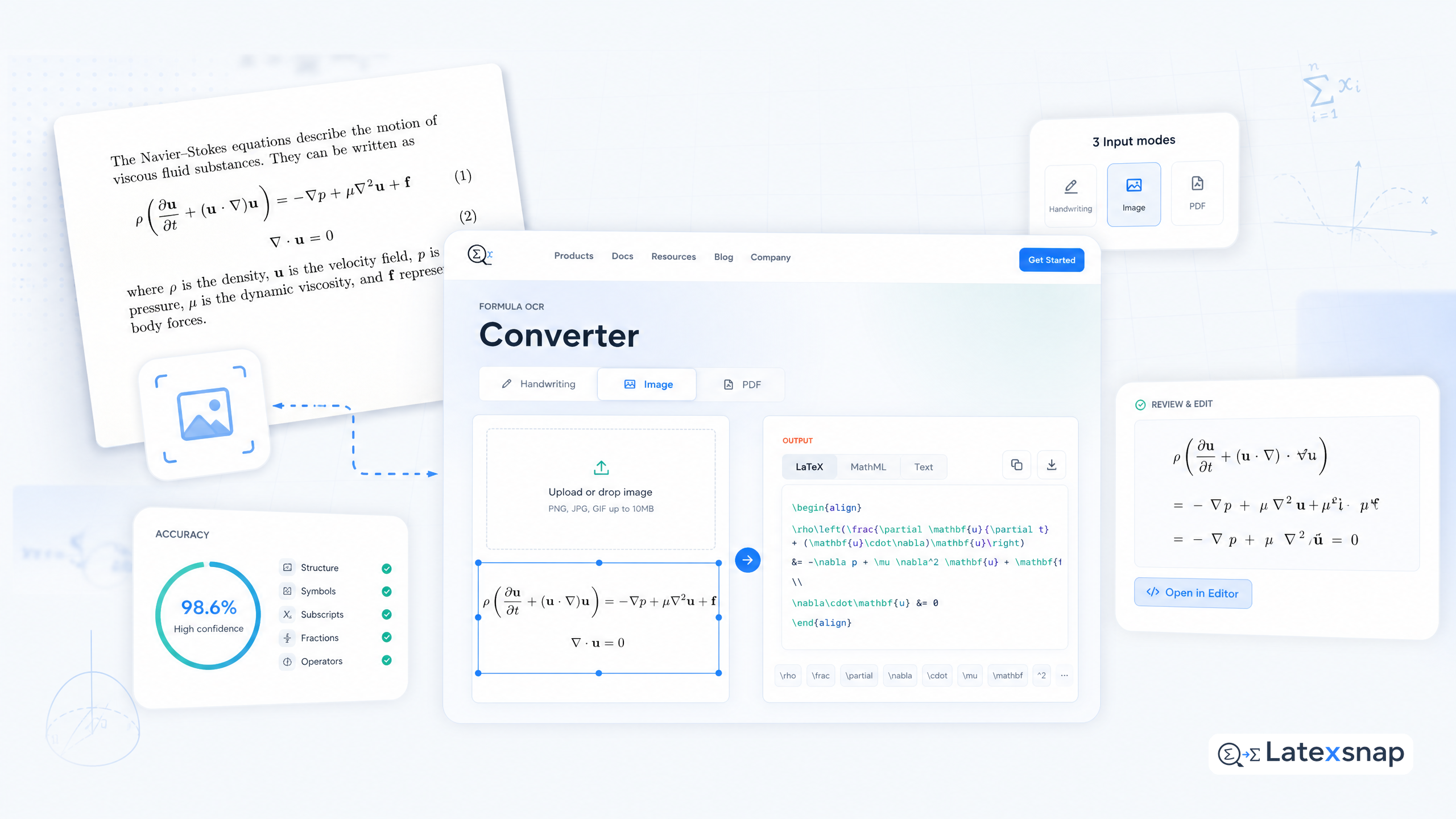
Modern LaTeX editors now integrate AI to streamline the writing process. Tools like LatexSnap can convert handwritten equations or PDF snippets into editable LaTeX code, reducing the time spent on formatting. This is especially useful for researchers who frequently encounter complex mathematical notation in papers or textbooks. If you want to compare this with another practical angle, How to Write Vectors in LaTeX covers LaTeX editing workflow in more detail.
For example, if you're working on a physics paper and need to include a formula from a textbook, you can simply take a screenshot or photograph the equation. LatexSnap will then generate the corresponding LaTeX code, which you can insert directly into your document. This not only saves time but also ensures accuracy in equation formatting. For teams extending this workflow, Typst vs LaTeX is a natural follow-up for LatexSnap workflow.
Practical Tips for LaTeX Users
- Start simple: Begin with a basic LaTeX template and gradually add complexity.
- Use packages wisely: While LaTeX has thousands of packages, only install what you need to keep your system clean.
- Learn keyboard shortcuts: Mastering shortcuts can significantly speed up your workflow.
- Backup regularly: Since LaTeX files are plain text, they're easy to back up and version control.
Final Thoughts
There's no one-size-fits-all answer to "LaTeX vs Word." The best approach depends on your specific needs: When the document pipeline gets more complex, Writing LaTeX Math Equations with AI gives more context on formula OCR workflow.
- Choose LaTeX if you're writing a long, math-heavy document and want precise control over formatting.
- Choose Word if you need quick collaboration, intuitive formatting, or are working with non-technical stakeholders.
- Consider a hybrid approach if you want the best of both worlds.
Ultimately, the goal is to create a document that effectively communicates your ideas. Whether you choose LaTeX, Word, or a combination of both, focus on clarity, accuracy, and readability. With the right tools and approach, you can produce professional-quality documents that stand out in any academic or technical setting.

Convert formulas faster
Turn screenshots, handwriting, and PDFs into editable LaTeX.
