How to Convert Lecture Notes to LaTeX: A Practical LatexSnap Reading and Conversion Workflow
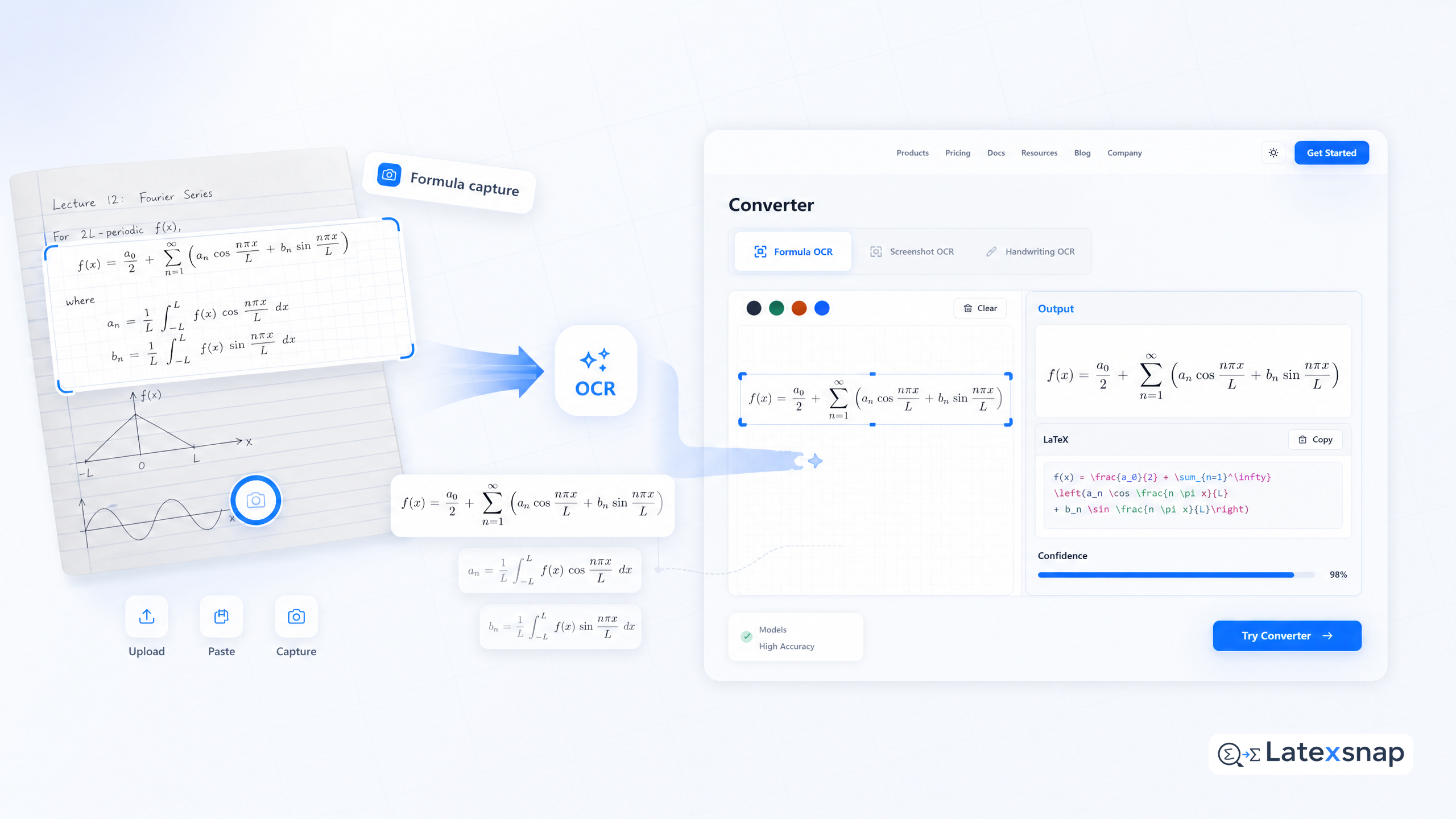
Converting lecture notes to LaTeX is essential for creating professional academic documents, study materials, and research papers. Whether you have handwritten notes, digital annotations, or typed content, this comprehensive guide covers all the methods and tools to transform your notes into beautifully formatted LaTeX documents.
Why Convert Lecture Notes to LaTeX?
LaTeX offers unparalleled precision for mathematical notation, consistent formatting, and professional typesetting. Converting your notes to LaTeX ensures:
- Accurate representation of mathematical equations and symbols
- Consistent document structure and formatting
- Professional appearance for academic submissions
- Easy collaboration and version control
Step 1: Prepare Your Lecture Notes
Before conversion, organize your notes for optimal results: For a related next step on LatexSnap workflow, see Convert Notes to LaTeX: A Practical LatexSnap Reading and Conversion Workflow.
Digital Notes
- Ensure high-resolution scans or photos
- Use consistent handwriting if possible
- Organize notes by topic or lecture date
- Remove extraneous marks or doodles
Handwritten Notes
- Write clearly with dark ink
- Use standard mathematical notation
- Number equations sequentially
- Include clear section headings
Step 2: Choose Your Conversion Method
Several approaches work well for different note types:
Optical Character Recognition (OCR) Tools
Modern OCR technology can recognize mathematical notation and convert it to LaTeX code. These tools excel at: If you want to compare this with another practical angle, How to Convert Images to LaTeX Equations covers formula OCR workflow in more detail.
- Recognizing standard mathematical symbols
- Converting handwritten equations
- Processing scanned documents
- Maintaining equation structure
Manual Conversion
For complex or unique notation, manual conversion ensures accuracy: A useful companion workflow is LatexSnap workflow, especially when LatexSnap workflow becomes part of the review process.
- Use LaTeX templates for common structures
- Reference LaTeX symbol packages
- Create custom commands for frequently used notation
- Maintain a personal LaTeX command library
Hybrid Approach
Combine automated and manual methods for best results:
- Use OCR for standard equations
- Manually adjust complex notation
- Verify all mathematical expressions
- Standardize formatting across documents
Step 3: Structure Your LaTeX Document
A well-organized LaTeX document improves readability and maintainability:
Basic Document Structure
documentclass{article}
usepackage{amsmath,amssymb}
usepackage{geometry}

begin{document}

% Your content here

end{document}
Essential Packages
Include necessary packages for your content:
amsmathandamssymbfor mathematical notationgeometryfor page layout controlgraphicxfor including imageshyperreffor document navigation
Document Organization
Use logical sections and subsections:
section{Introduction}
subsection{Background}
subsection{Methodology}
section{Mathematical Framework}
subsection{Key Equations}
Step 4: Convert Mathematical Content
Mathematical notation requires special attention during conversion:
Equations
Use appropriate environments for different equation types:
% Display equation
begin{equation}
E = mc^2
end{equation}

% Inline equation
$F = ma$

% Multi-line equation
begin{align}
a &= frac{-b pm sqrt{b^2 - 4ac}}{2a}
&= frac{-b pm sqrt{D}}{2a}
end{align}
Symbols and Notation
Common mathematical symbols and their LaTeX equivalents:
- Greek letters:
alpha,beta,gamma - Operators:
sum,int,lim - Relations:
leq,geq,approx - Sets:
in,subset,cap
Step 5: Review and Refine
After conversion, thoroughly review your LaTeX document:
Quality Checks
- Verify all equations render correctly
- Check for consistent formatting
- Ensure proper spacing and alignment
- Test compilation with different LaTeX distributions
Common Issues
Address frequent conversion problems:
- Symbol recognition errors: Manually correct ambiguous symbols
- Formatting inconsistencies: Standardize spacing and alignment
- Package conflicts: Resolve conflicting package requirements
- Compilation errors: Fix syntax issues systematically
Final Polish
Enhance your document's professional appearance:
- Add proper citations and references
- Include a table of contents
- Create clear figure and equation captions
- Format bibliography consistently
Tips for Best Results
Before Conversion
- Use high-quality scans or photos
- Remove extraneous marks or annotations
- Organize notes logically
- Standardize notation throughout
During Conversion
- Start with a clean LaTeX template
- Use version control for tracking changes
- Test conversions incrementally
- Keep backup copies of original notes
After Conversion
- Proofread all mathematical expressions
- Check cross-references
- Verify equation numbering
- Test document compilation
Conclusion
Converting lecture notes to LaTeX transforms raw information into professional, publication-ready documents. By following these steps and using appropriate tools, you can efficiently create high-quality academic materials that accurately represent your mathematical and technical content. When the document pipeline gets more complex, TrOCR and Transformer-Based Reading for Image-to-LaTeX Workflows gives more context on transformer OCR.
Remember that the best results come from combining automated tools with careful manual review. Take time to understand both the content and the LaTeX structure, ensuring your final document meets academic standards while maintaining the integrity of your original notes.
Whether you're a student, researcher, or educator, mastering the conversion process will significantly improve your academic documentation workflow and presentation quality. For teams extending this workflow, How to Write Fractions in LaTeX is a natural follow-up for LaTeX editing workflow.
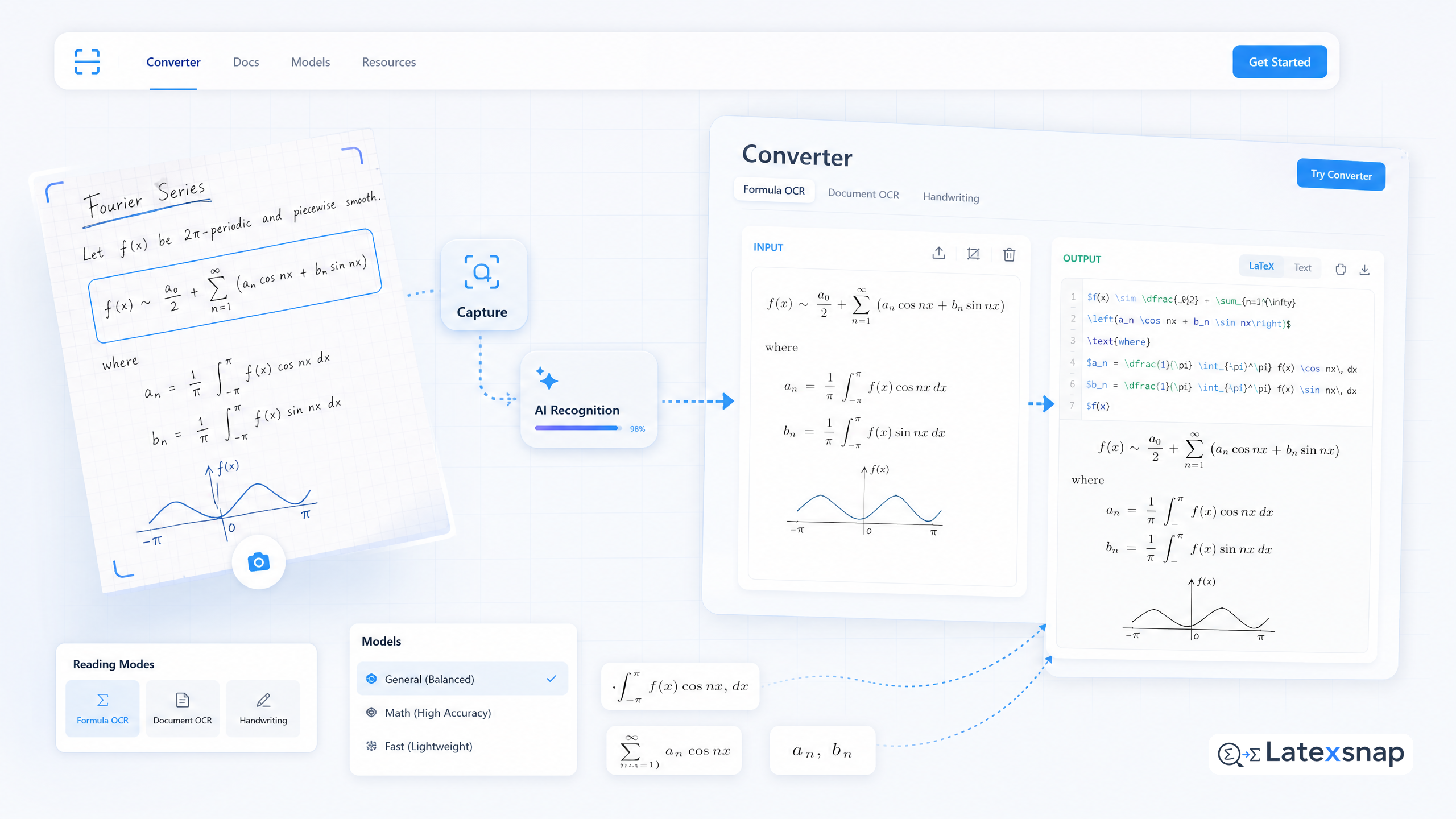
Convert formulas faster
Turn screenshots, handwriting, and PDFs into editable LaTeX.
