How to Convert LaTeX to Markdown: A Practical LatexSnap Reading and Conversion Workflow
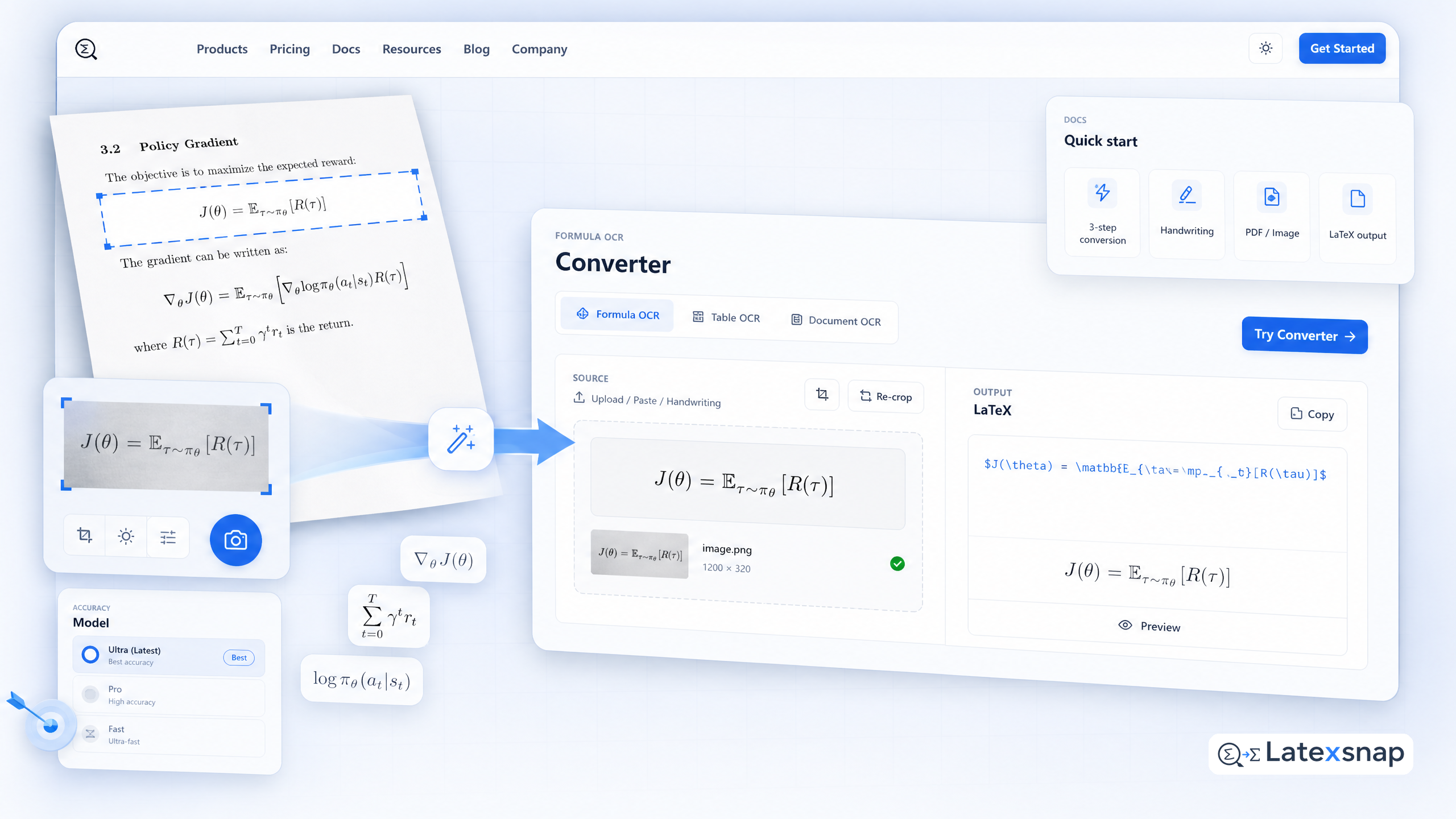
Converting LaTeX documents to Markdown opens up new possibilities for sharing and publishing your work across platforms. While LaTeX excels at producing publication-quality documents with complex formatting, Markdown offers simplicity and broad platform compatibility. With a LaTeX writing assistant's free LaTeX to Markdown converter, you can streamline this process and maintain the integrity of your mathematical and scientific content.
Why Convert LaTeX to Markdown?
LaTeX and Markdown serve different but complementary purposes in academic and technical writing:
Platform Compatibility: Markdown works seamlessly across GitHub, GitLab, Reddit, Stack Overflow, and countless other platforms where LaTeX isn't supported.
Documentation Publishing: Convert research papers and technical documents for publication on wikis, documentation sites, and personal blogs.
Collaboration: Markdown files are easier to share and edit in collaborative environments, making them ideal for team projects and open-source contributions.
Version Control: Markdown files are more straightforward to manage in version control systems like Git, allowing for easier tracking of changes and collaboration.
Step-by-Step Conversion Process
1. Prepare Your LaTeX Document
Before converting, ensure your LaTeX document is well-structured and free of errors. This includes:
Checking for compilation errors.
Ensuring all packages and references are correctly included.
Verifying that all equations and figures are properly formatted.
2. Use a LaTeX to Markdown Converter
There are several tools available to help you convert LaTeX to Markdown:
Online Converters: Websites like LaTeX2Markdown.org and Pandoc offer straightforward conversion options. Simply upload your LaTeX file, and the tool will generate a Markdown version. A useful companion workflow is LatexSnap workflow, especially when LatexSnap workflow becomes part of the review process.
Command-Line Tools: For more advanced users, command-line tools like pandoc provide powerful conversion capabilities. You can use commands like pandoc input.tex -o output.md to convert your document. For a related next step on LatexSnap workflow, see Convert Notes to LaTeX: A Practical LatexSnap Reading and Conversion Workflow.
3. Review and Refine the Output
After conversion, it's crucial to review the Markdown output for accuracy:
Check Equations: Ensure that all mathematical equations are correctly formatted and rendered.
Verify Figures and Tables: Make sure that images and tables are properly linked and formatted.
Adjust Formatting: Review headings, lists, and other structural elements to ensure they match your intended layout.
Tips for Effective Conversion
Maintain Consistency
Use consistent formatting throughout your document. This includes using the same heading styles, list formats, and equation structures. Consistency makes the conversion process smoother and the resulting Markdown document more readable. If you want to compare this with another practical angle, LatexSnap workflow covers LatexSnap workflow in more detail.
Simplify Complex Structures
While LaTeX allows for complex structures, Markdown is best suited for simpler layouts. Consider simplifying your document structure before conversion to ensure a smoother transition. For example, avoid overly nested sections or complex cross-references that might not translate well to Markdown. For teams extending this workflow, LatexSnap workflow is a natural follow-up for LatexSnap workflow.
Test Across Platforms
Once your document is converted, test it across different platforms to ensure compatibility. This includes checking how it renders on GitHub, GitLab, and other platforms where you plan to publish it. This step helps identify any formatting issues that might need adjustment.
Common Challenges and Solutions
Handling Special Characters
Markdown has limited support for special characters compared to LaTeX. To address this:
Use HTML entities for special characters that Markdown doesn't support.
Consider using MathJax or KaTeX for rendering complex mathematical expressions.
Managing Images and Figures
Images and figures can be tricky to convert. Here are some tips:
Ensure all image paths are correct and accessible.
Use relative paths for images to maintain consistency across platforms.
Consider embedding images directly if the platform supports it.
Best Practices for Markdown Documents
Use Clear Headings
Organize your document with clear and hierarchical headings. This helps readers navigate the content easily and ensures that the structure is preserved during conversion.
Keep It Simple
While Markdown supports a range of formatting options, simplicity often leads to better readability. Avoid overusing bold, italics, and other formatting styles unless necessary.
Leverage Code Blocks
For technical documents, use code blocks to highlight code snippets, equations, and other technical content. This ensures that the content is presented clearly and maintains its formatting.
Conclusion
Converting LaTeX documents to Markdown is a valuable process for enhancing platform compatibility and simplifying document sharing. By following a structured conversion process and using the right tools, you can maintain the integrity of your content while benefiting from Markdown's simplicity and versatility. Whether you're publishing research papers, creating technical documentation, or sharing course materials, mastering the LaTeX to Markdown conversion will empower you to reach a broader audience and streamline your workflow. When the document pipeline gets more complex, document OCR workflow gives more context on document OCR workflow.
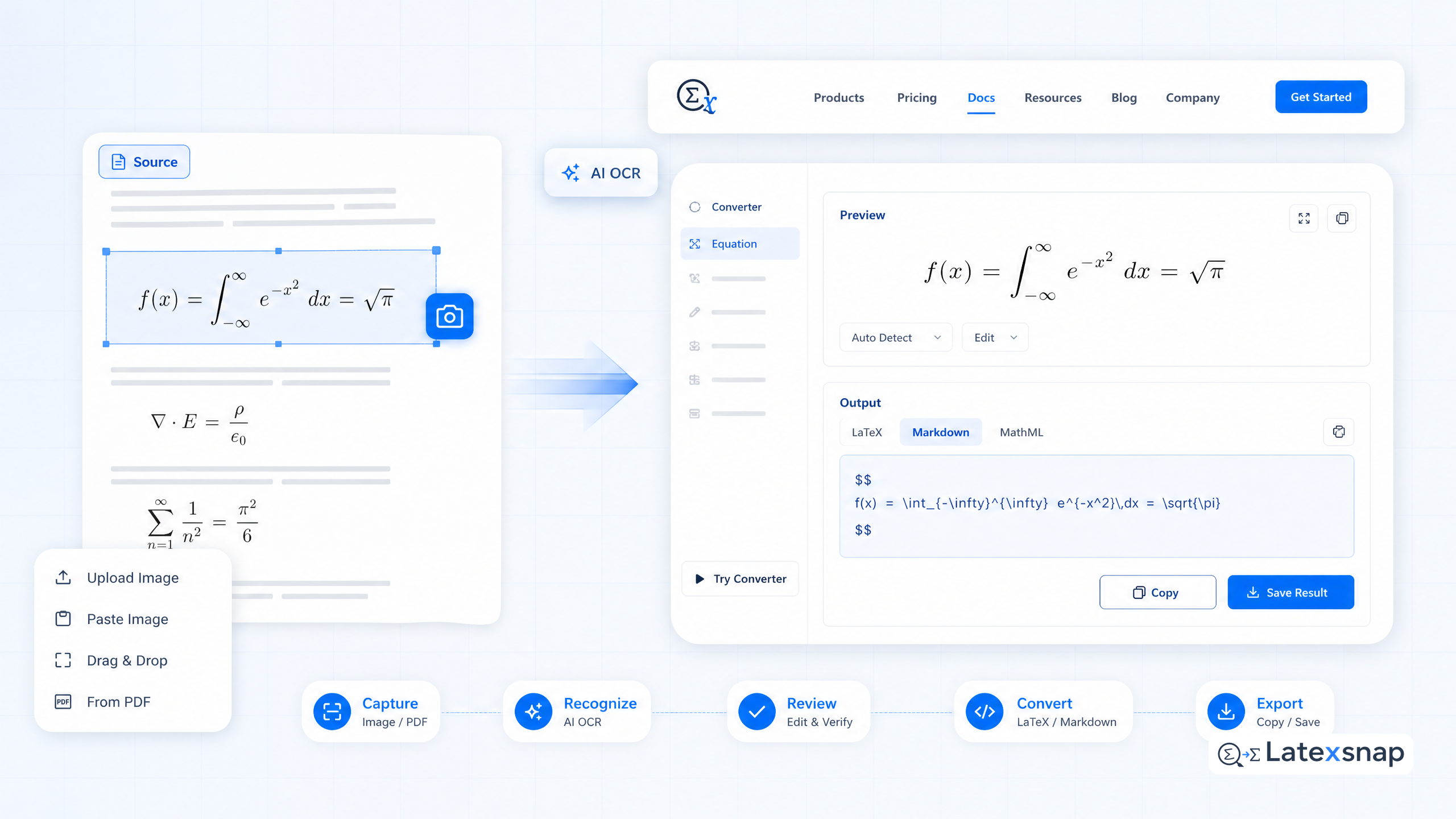
Convert formulas faster
Turn screenshots, handwriting, and PDFs into editable LaTeX.
