PDF to Word Conversion for Equation OCR
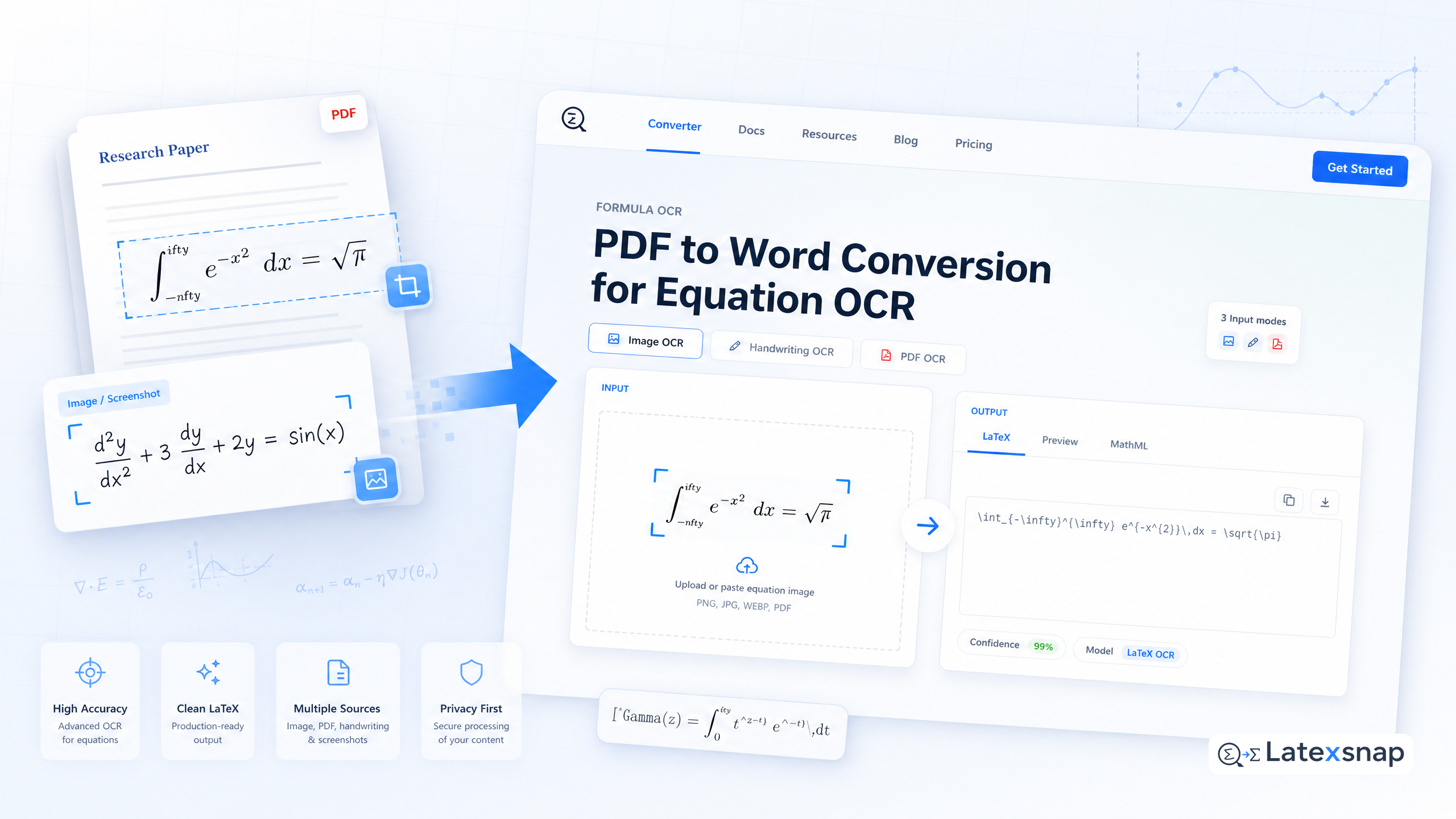
In academic and technical work, equations often live inside PDFs or images. Converting those equations into editable LaTeX is a common need for students, researchers, educators, and technical writers. LatexSnap is an equation OCR tool that turns formula images, handwriting, screenshots, and PDF formula snippets into editable LaTeX. This guide shows a practical workflow for PDF to Word conversion using equation OCR, with tips for review and quality control. For a related next step on document OCR workflow, see PDF to LaTeX Converter Workflow.
Why Convert Equations to LaTeX?
Equations in PDFs are often locked in vector graphics or scanned images. Word processors can't edit them directly, and copying them as images breaks the math. LaTeX is the standard for typesetting mathematics, so converting equations to LaTeX lets you:
- Edit and reflow formulas in documents
- Use consistent notation across papers and slides
- Share equations with collaborators who use LaTeX editors
LatexSnap makes this conversion straightforward by recognizing symbols, operators, and structure in the image or PDF snippet.

Step 1: Prepare Your PDF or Image
Equation OCR works best when the input is clean. For PDFs, extract the page or section containing the equations. If you're working with a scanned document, crop tightly around each formula and remove stray marks or background noise. If you want to compare this with another practical angle, Image to LaTeX workflow covers formula OCR workflow in more detail.
- Crop out individual equations if possible
- Ensure high contrast and clear fonts
- Avoid heavy compression or blur
Good input leads to more accurate LaTeX output, which reduces manual cleanup later.
Step 2: Upload and Convert with LatexSnap
LatexSnap accepts equation images, handwriting, screenshots, and PDF formula snippets. Upload your prepared file or select a region in a PDF viewer. The tool analyzes the visual structure and converts it to LaTeX code. A useful companion workflow is What New Document OCR Models Mean for Equation and PDF Conversion, especially when document OCR workflow becomes part of the review process.
The output is plain LaTeX that you can paste into any editor. For example, a simple fraction might become:
frac{a}{b}
More complex expressions, including integrals, matrices, and multi-line equations, are also handled.
Step 3: Integrate LaTeX into Word or Other Editors
Once you have LaTeX, you can convert it to Word or use it directly in a LaTeX editor. For Word, consider using a plugin or converter that supports LaTeX input. Paste the LaTeX code and let the tool render it as formatted math.
If you're already in a LaTeX environment, simply paste the output into your document. This keeps your equations consistent and editable throughout your project.
Step 4: Review and Refine the Output
Equation OCR is powerful but not perfect. Review the generated LaTeX for:
- Ambiguous symbols or misrecognized operators
- Missing braces or mismatched parentheses
- Structural errors in multi-line equations
Manual review is essential, especially for complex formulas. Small fixes can make a big difference in readability and correctness.
Tips for Better OCR Results
To improve accuracy, follow these practices:
- Use high-resolution images or clear PDF exports
- Crop tightly around each equation
- Avoid overlapping text or graphics near formulas
- Test with a few sample equations before processing large documents
These steps help LatexSnap recognize symbols and structure more reliably.
Common Challenges and Solutions
Some equations may still need attention. Common issues include:
- Misrecognized Greek letters or special symbols
- Incorrect spacing in inline math
- Broken multi-line structures
In these cases, edit the LaTeX directly or re-run OCR on a cropped version of the problematic section. Iterative refinement often yields better results.
Final Thoughts
Converting equations from PDFs or images to LaTeX is a practical part of many academic and technical workflows. LatexSnap offers a fast, accurate way to turn formula images, handwriting, and PDF snippets into editable LaTeX. With careful preparation and review, you can integrate equation OCR into your document process and save time on formatting and editing. When the document pipeline gets more complex, LaTeX vs word processors: Which Is Better for Academic Writing? gives more context on LaTeX editing workflow.
Whether you're writing a research paper, preparing lecture notes, or documenting technical specifications, equation OCR can streamline your workflow. Try LatexSnap today and experience how easy it is to convert equations to LaTeX. For teams extending this workflow, LaTeX Beamer is a natural follow-up for LatexSnap workflow.
Convert formulas faster
Turn screenshots, handwriting, and PDFs into editable LaTeX.
