How to Write Vectors in LaTeX
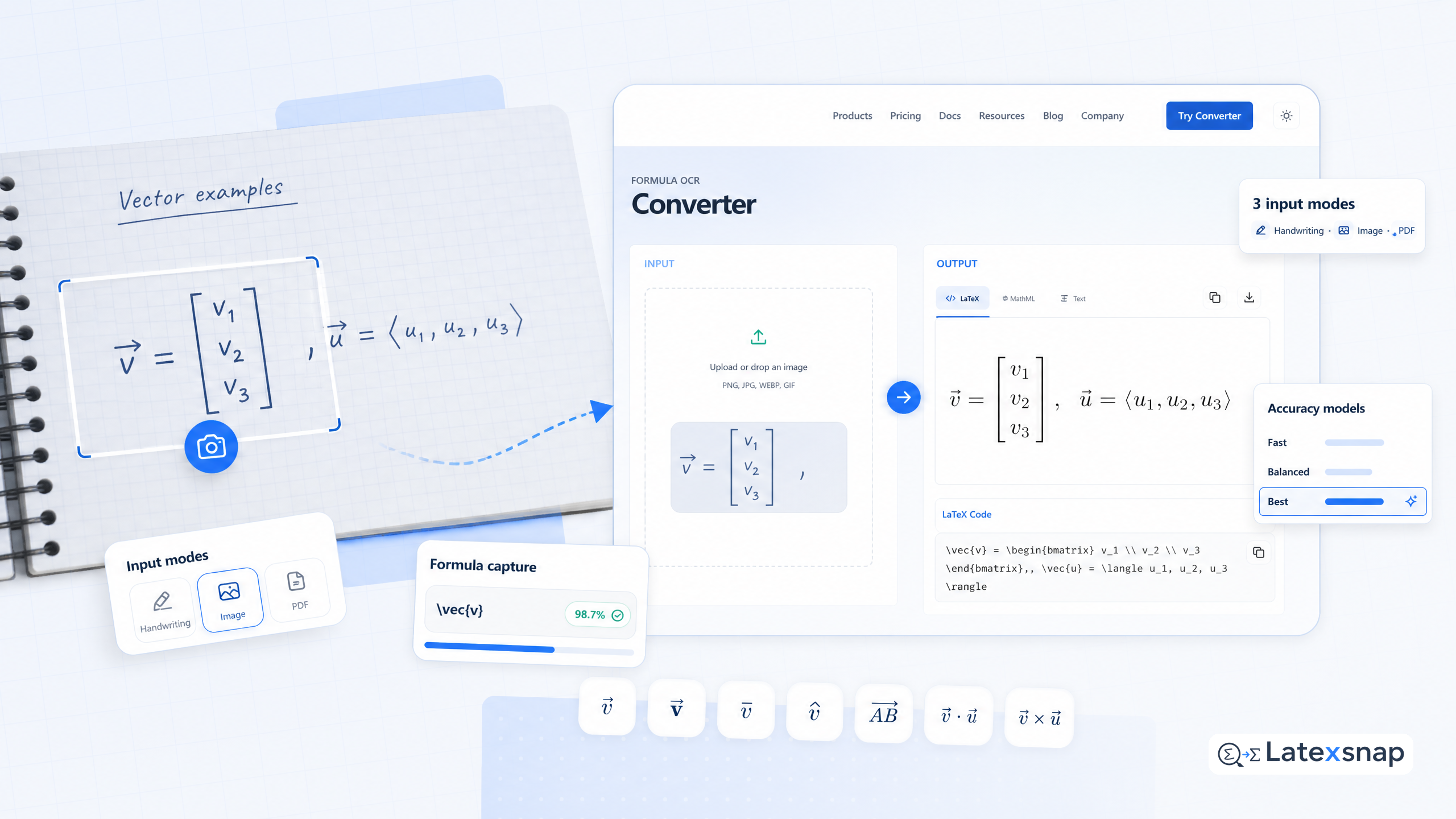
Writing vectors in LaTeX is essential for mathematics, physics, and engineering documents. This comprehensive guide covers all the different ways to represent vectors in LaTeX, from basic notation to advanced formatting techniques. If you have handwritten vector equations or images, you can convert them directly to LaTeX using LatexSnap. A useful companion workflow is LaTeX vs word processors: Which Is Better for Academic Writing?, especially when LaTeX editing workflow becomes part of the review process.
Basic Vector Notation
The most common way to represent a vector in LaTeX is using angle brackets or boldface letters. Here are the basic commands:
% Using angle brackets
langle vec{v} rangle

% Using boldface
mathbf{v}

% Using arrow notation
vec{v}

% Using hat notation
hat{v}
These commands create different visual representations of vectors, each with its own specific use case in mathematical and scientific contexts.
Creating Multi-Component Vectors
For vectors with multiple components, you can use the following methods: For a related next step on LaTeX editing workflow, see How to Write Fractions in LaTeX.
% Using array environment
begin{bmatrix}
v_1
v_2
v_3
end{bmatrix}

% Using pmatrix
begin{pmatrix}
v_1 & v_2 & v_3
end{pmatrix}

% Using custom spacing
left( begin{array}{c}
v_1
v_2
v_3
end{array} right)
These approaches allow you to create well-formatted multi-component vectors that maintain proper alignment and spacing.
Vector Operations
LaTeX provides several ways to represent common vector operations:
% Dot product
vec{a} cdot vec{b}

% Cross product
vec{a} times vec{b}

% Vector ma hierarchy parsertude
|vec{v}|

% Unit vector
hat{v} = frac{vec{v}}{|vec{v}|}
These operations are fundamental in vector algebra and are frequently used in physics and engineering calculations.
Advanced Formatting Techniques
For more sophisticated vector representations, consider these advanced techniques:
% Using custom commands
newcommand{vv}[1]{vec{#1}}
vv{v}

% Using different styles
mathbf{v} vs boldsymbol{v}

% Using colored vectors (with xcolor package)
usepackage{xcolor}
color{red}{vec{v}}
These methods give you greater control over the appearance and consistency of vector notation throughout your document. For teams extending this workflow, PDF to LaTeX Converter Workflow is a natural follow-up for document OCR workflow.
Converting Handwritten Vectors to LaTeX
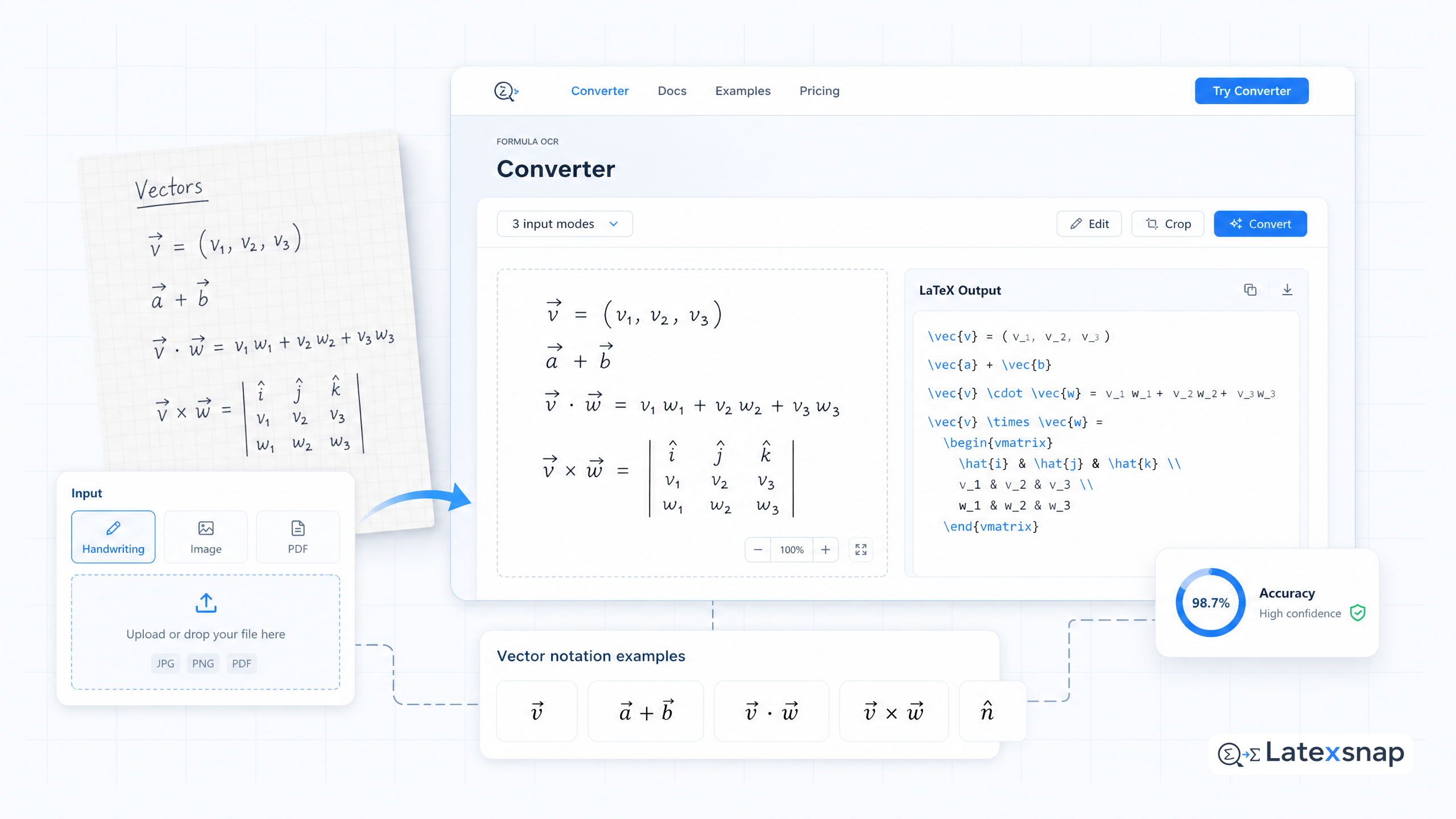
If you have handwritten vector equations or images, LatexSnap can help you convert them directly to LaTeX code. Simply upload your image, and the tool will automatically generate the corresponding LaTeX code. This is particularly useful for: When the document pipeline gets more complex, Image to LaTeX workflow gives more context on formula OCR workflow.
- Converting scanned mathematical documents
- Transcribing handwritten notes
- Converting images from textbooks or papers
- Creating complex vector diagrams
The conversion process maintains the mathematical accuracy while providing clean, editable LaTeX code that you can immediately use in your documents.
Best Practices for Vector Notation
When writing vectors in LaTeX, follow these guidelines for consistency and clarity:
- Use consistent notation throughout your document
- Choose the appropriate vector representation for your context
- Ensure proper spacing around vector operations
- Use packages like
amsmathfor advanced formatting - Test your vectors in different document classes
% Example of consistent notation
Let $vec{v} = begin{pmatrix} v_1  v_2  v_3 end{pmatrix}$
be a three-dimensional vector.

The dot product of $vec{a}$ and $vec{b}$ is given by:
$vec{a} cdot vec{b} = |vec{a}| |vec{b}| cos(theta)$
Common Issues and Solutions
When working with vectors in LaTeX, you may encounter several common issues:
- Spacing problems: Use
,or:for appropriate spacing - Alignment issues: Consider using
alignenvironment - Font conflicts: Ensure vector notation matches your document style
- Package conflicts: Load necessary packages in the correct order
% Example of proper spacing
vec{a} cdot vec{b}  % May need adjustment
vec{a} cdot : vec{b}  % Better spacing

% Using align environment
begin{align}
vec{v} &= begin{pmatrix} v_1  v_2  v_3 end{pmatrix}
|vec{v}| &= sqrt{v_1^2 + v_2^2 + v_3^2}
end{align}
Conclusion
Mastering vector notation in LaTeX is essential for creating professional mathematical and scientific documents. Whether you're working on academic papers, technical reports, or educational materials, proper vector representation enhances clarity and precision.
Remember that LatexSnap can help you convert handwritten vectors or images directly to LaTeX code, making your workflow more efficient. By following the guidelines and techniques outlined in this guide, you'll be able to create clear, consistent, and professional vector notation in all your LaTeX documents. If you want to compare this with another practical angle, How to Write a Thesis in LaTeX covers LatexSnap workflow in more detail.
For more advanced topics or specific use cases, consider exploring additional LaTeX packages and resources tailored to your particular field of study or application.
Convert formulas faster
Turn screenshots, handwriting, and PDFs into editable LaTeX.
