New Document OCR Models: Better Tables, Chemistry Support, and Faster Processing
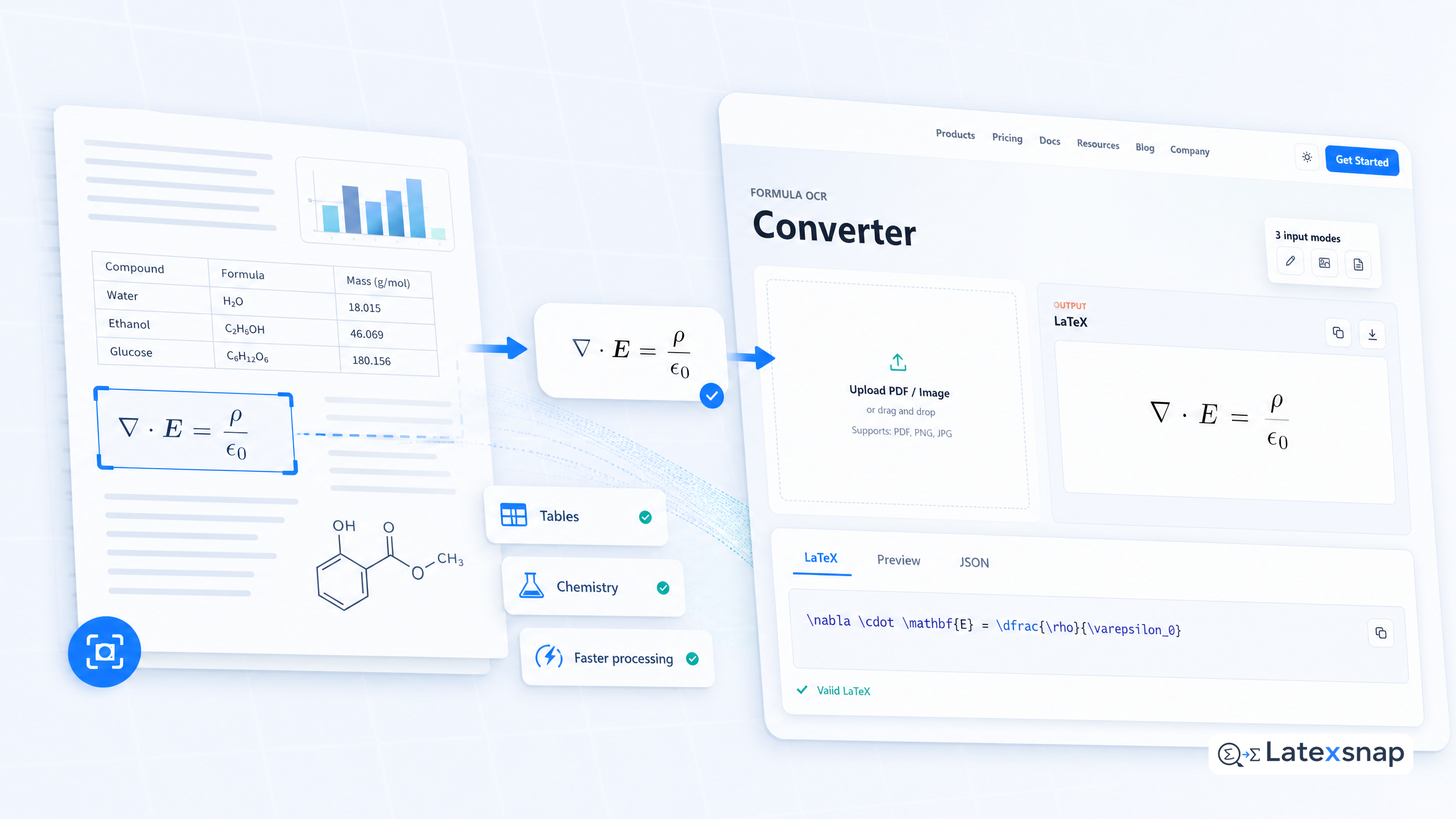
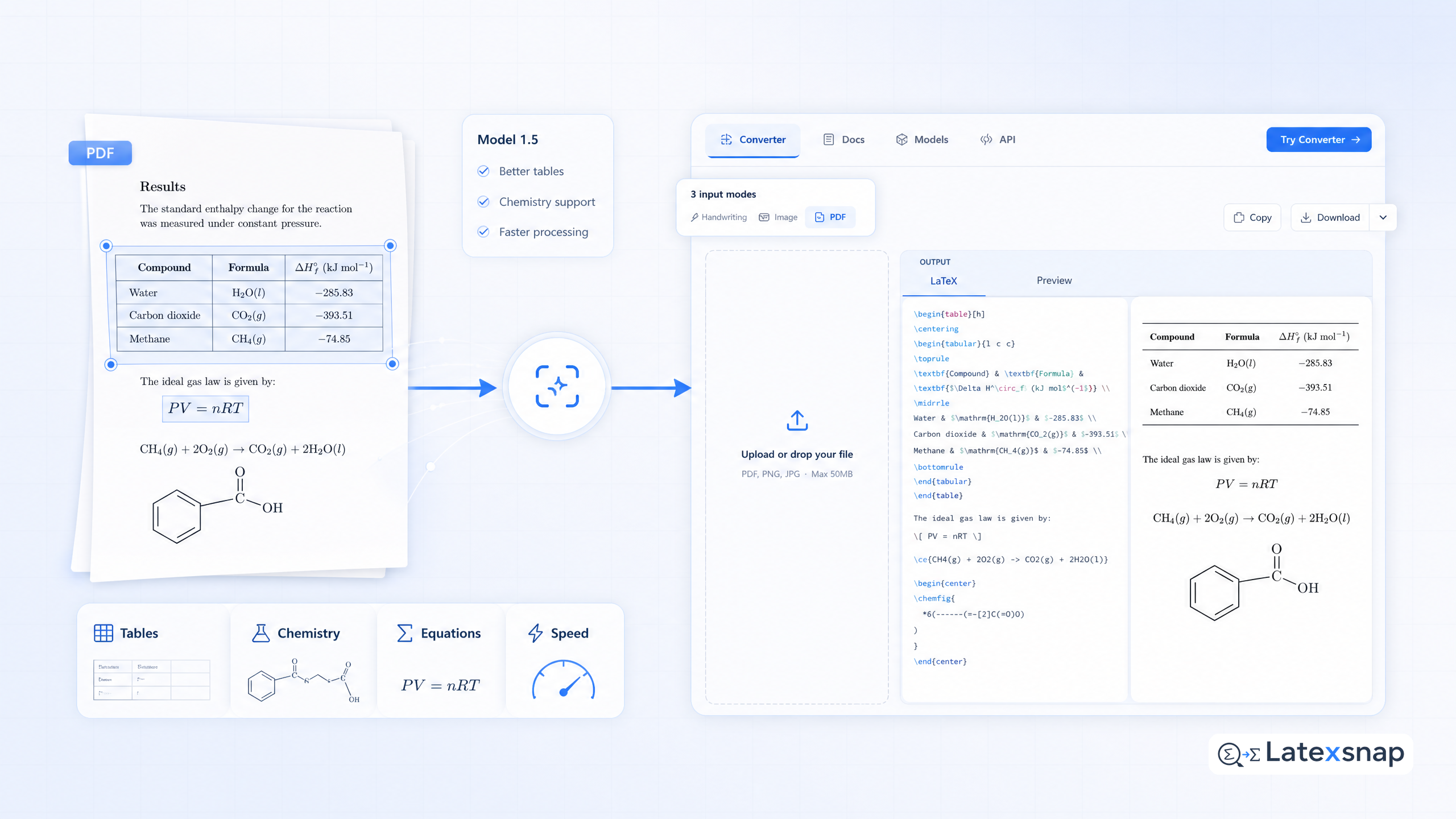
We're excited to announce a document OCR model 1.5, a major update to our OCR model that brings significant improvements across the board. This release focuses on better tables, higher accuracy overall, better formatting, and faster processing.
What's New in Document OCR Model 1.5?
The new model includes several key improvements:
- Better table extraction: The model now handles complex table structures more effectively, including nested tables and tables with merged cells.
- Improved chemistry support: Chemical formulas and equations are now recognized with higher accuracy, making it easier to convert scientific documents into LaTeX.
- Faster processing: The model is optimized for speed, reducing the time it takes to process large documents.
- Enhanced formatting: The output LaTeX is better formatted, with improved handling of spacing, alignment, and special characters.
How to Use the New Model
Using the new document OCR model is straightforward. Simply upload your document to LatexSnap, and the new model will automatically detect and convert equations, tables, and other mathematical content into LaTeX. A useful companion workflow is What New Document OCR Models Change for Equation Conversion, especially when document OCR workflow becomes part of the review process.
For example, if you upload a PDF containing a complex table with merged cells, the new model will extract the table structure accurately and convert it into LaTeX code. Similarly, chemical formulas and equations will be recognized with higher precision, ensuring that the output LaTeX is both accurate and well-formatted.
Tips for Best Results
To get the best results from the new document OCR model, consider the following tips:
- High-quality images: Ensure that your document images are clear and high-resolution. This will help the model recognize equations and tables more accurately.
- Proper formatting: If your document contains tables or equations, try to keep them well-formatted. This will make it easier for the model to extract the content correctly.
- Review the output: Always review the generated LaTeX code to ensure accuracy. While the new model is highly accurate, manual review can help catch any errors or formatting issues.
Future Improvements
We're committed to continuously improving our document OCR model. In the coming weeks, we'll be focusing on: If you want to compare this with another practical angle, Image to LaTeX workflow covers formula OCR workflow in more detail.
- Even better table extraction: We'll work on handling more edge cases, such as tables with irregular structures or multiple columns.
- Expanded language support: The model will support additional languages, making it more versatile for international users.
- Further latency reductions: We'll continue to optimize the model for speed, ensuring faster processing times for all users.
- Improved handling for formatting: We'll enhance the model's ability to handle complex formatting, such as footnotes, captions, and references.
Feedback and Support
We value your feedback and are always looking for ways to improve our product. If you have any suggestions or encounter any issues with the new document OCR model, please don't hesitate to reach out. You can contact us through our support page or join our community forum to share your experiences and tips. For teams extending this workflow, LaTeX Beamer is a natural follow-up for LatexSnap workflow.
Conclusion
The new document OCR model 1.5 is a significant step forward in making it easier to convert documents into LaTeX. With better table extraction, improved chemistry support, faster processing, and enhanced formatting, this update will make your workflow more efficient and accurate. For a related next step on document OCR workflow, see What New Document OCR Models Mean for Equation and PDF Conversion.
Thank you for using LatexSnap, and we look forward to continuing to serve you with even better tools and features in the future. When the document pipeline gets more complex, LaTeX vs word processors: Which Is Better for Academic Writing? gives more context on LaTeX editing workflow.
Convert formulas faster
Turn screenshots, handwriting, and PDFs into editable LaTeX.
