What New Document OCR Models Change for Equation Conversion
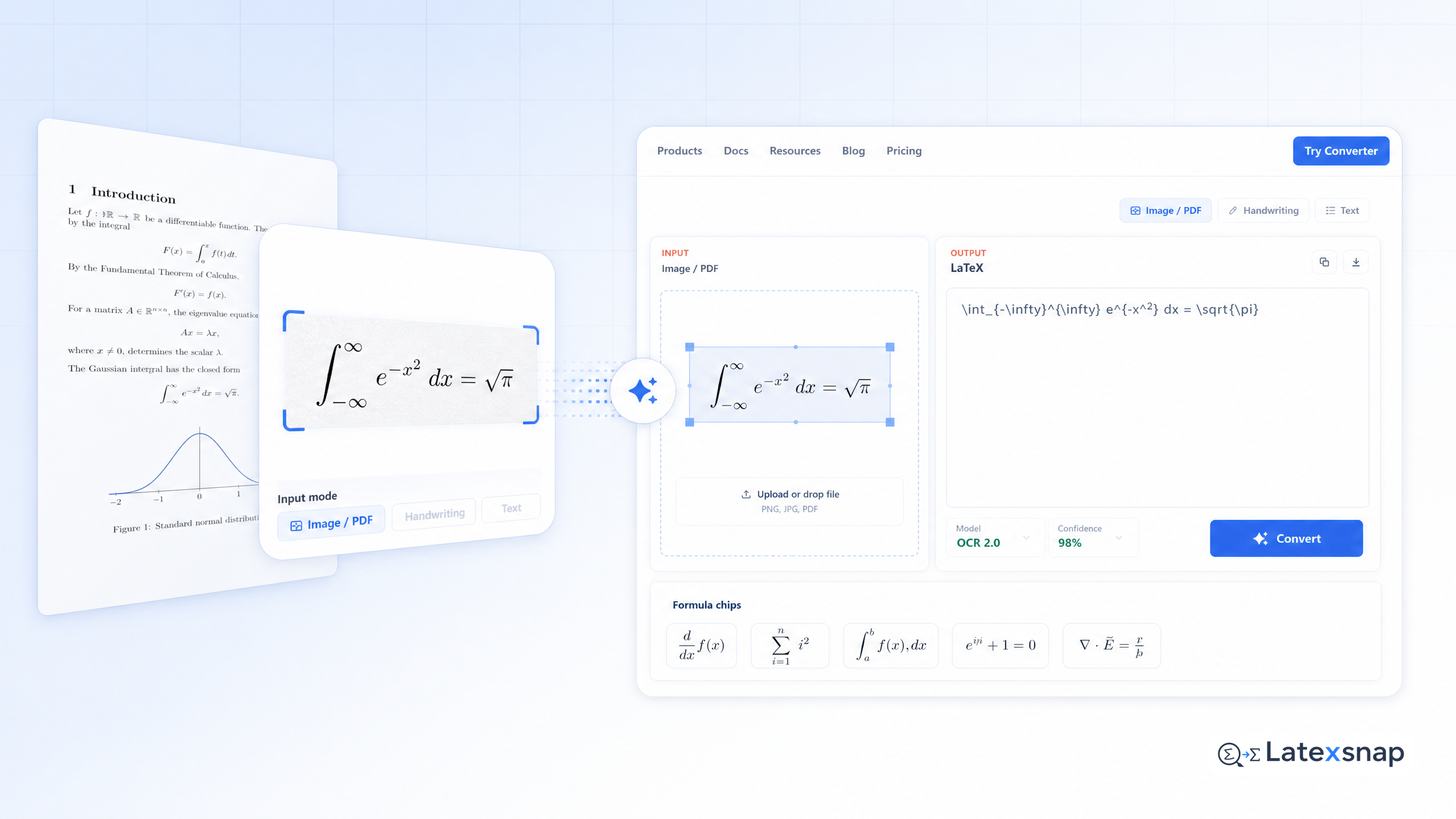
Equation recognition has always been a pain point in academic and technical workflows. Whether you're transcribing handwritten notes from a lecture, converting scanned PDFs into editable LaTeX, or digitizing research papers, the process used to be slow, error-prone, and frustrating.
The good news? Document OCR models have evolved dramatically in recent years, and the impact on equation conversion is nothing short of transformative. In this guide, we'll walk through what's changed, how it affects your workflow, and how to make the most of these new tools. For a related next step on document OCR workflow, see What New Document OCR Models Mean for Equation and PDF Conversion.
Why Equation OCR Matters
Equations are the backbone of scientific and mathematical communication. They appear in research papers, textbooks, lecture notes, and even casual online discussions. Converting them into editable formats like LaTeX allows for:
- Seamless integration into documents
- Accurate formatting and typesetting
- Easy sharing and collaboration
Traditional OCR tools often struggled with equations, misinterpreting symbols, breaking lines, or failing to recognize complex structures. But with the rise of specialized document OCR models, these challenges are being solved at scale.
What's Different About New Document OCR Models?
The latest generation of document OCR models is built with a focus on accuracy, speed, and adaptability. Here's what sets them apart:
1. Improved Accuracy Across Languages
Equations often appear in multilingual contexts, especially in global research communities. New models support over 90 languages, including Indic scripts like Hindi, Bengali, and Tamil. This means researchers can convert equations from papers or notes in any language without sacrificing precision.
2. Faster Processing Times
Latency is a major concern when working with large documents or real-time transcription. New models are optimized for speed, delivering results 2-3x faster than before. This is a game-changer for students and professionals who need to process documents quickly without compromising quality.
3. Better Handling of Complex Structures
Equations can be intricate, involving nested fractions, integrals, matrices, and more. Advanced OCR models now recognize these structures with remarkable accuracy, preserving the original layout and logic. This reduces the need for manual corrections and speeds up the editing process. For teams extending this workflow, How to Write Fractions in LaTeX is a natural follow-up for LaTeX editing workflow.
How to Integrate Document OCR into Your Workflow
Integrating a document OCR model into your daily routine is simpler than you might think. Here's a practical workflow: A useful companion workflow is Image to LaTeX workflow, especially when formula OCR workflow becomes part of the review process.
Step 1: Prepare Your Input
Start with high-quality images or PDFs. Clear, well-lit scans yield the best results. If you're working with handwritten notes, try to write legibly and avoid overlapping text.
Step 2: Upload and Convert
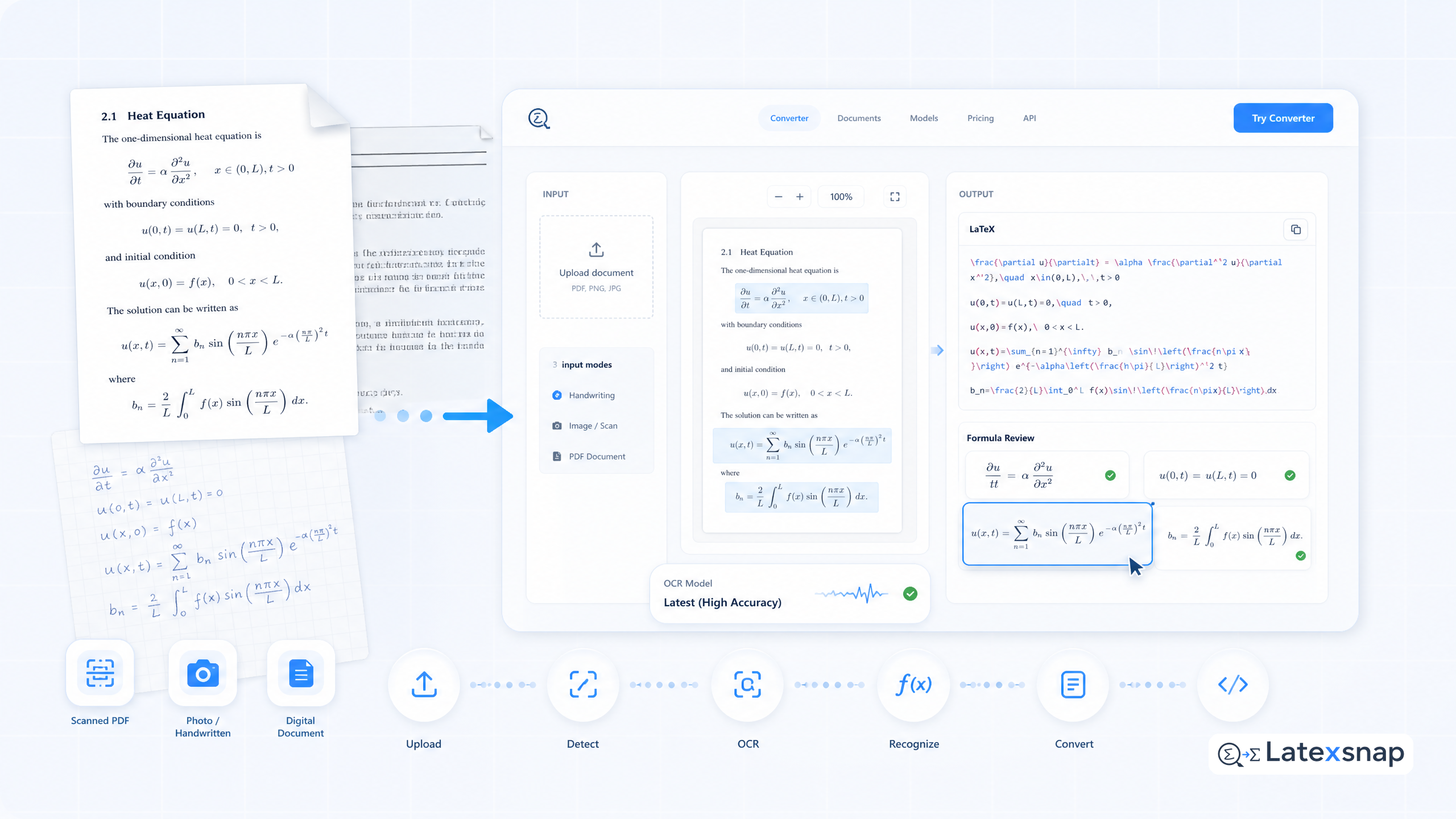
Use an OCR tool that supports equation recognition. Upload your document, and let the model extract and convert equations into LaTeX format. Most tools provide a preview, so you can quickly spot any issues.
Step 3: Review and Refine
Even the best OCR models aren't perfect. Take a moment to review the output, especially for complex equations. Correct any formatting errors or symbol misinterpretations. This step ensures your final document is polished and professional.
Step 4: Integrate into Your Project
Once you're satisfied with the conversion, insert the LaTeX code into your document. Whether you're writing a research paper, creating lecture materials, or drafting a technical report, the equations will now be fully editable and typeset-ready. When the document pipeline gets more complex, How to Keep Citations and LaTeX Equations Organized in Research Notes gives more context on citation and equation notes.
Tips for Getting the Best Results
To maximize the effectiveness of document OCR, keep these tips in mind:
- Crop and enhance images: Remove unnecessary borders or background noise to improve recognition accuracy.
- Check ambiguous symbols: Some symbols, like "d" and "cl", can be easily confused. Review the output carefully to ensure correctness.
- Validate LaTeX structure: Ensure that equations are properly formatted and follow LaTeX conventions.
- Run a final manual review: Even with advanced tools, a quick human check can catch subtle errors and improve overall quality.
The Future of Equation Conversion
The evolution of document OCR models marks a significant milestone in academic and technical workflows. By combining speed, accuracy, and multilingual support, these tools are making equation conversion more accessible than ever. If you want to compare this with another practical angle, Python Clients for Document Conversion Workflows covers LatexSnap workflow in more detail.
Whether you're a student transcribing lecture notes, a researcher digitizing papers, or a technical writer preparing documentation, the new capabilities of document OCR can save you time and effort. And with continued advancements on the horizon, the possibilities are only growing.
Ready to streamline your equation workflow? Start experimenting with document OCR today and experience the difference firsthand.
Convert formulas faster
Turn screenshots, handwriting, and PDFs into editable LaTeX.
