PDF to LaTeX Converter: Best Tools and Techniques
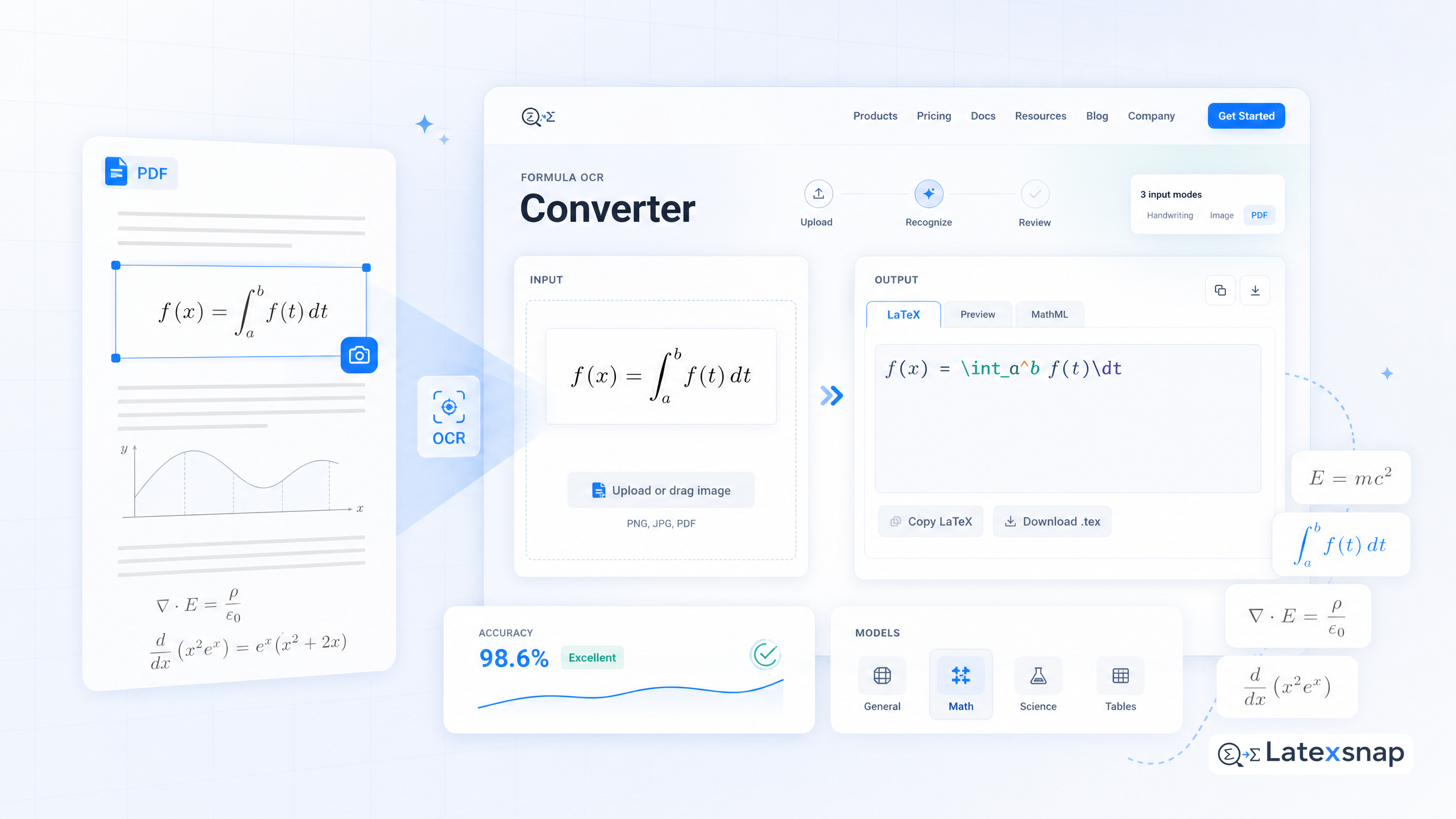
Converting PDF documents to LaTeX format is essential for academic researchers, students, and professionals who need to edit existing papers, extract mathematical content, or recreate documents in LaTeX. This guide covers the best tools and techniques for PDF to LaTeX conversion. If you want a seamless workflow for turning PDFs into editable LaTeX, LatexSnap offers a powerful solution for equation OCR that can handle complex mathematical content with ease. For a related next step on document OCR workflow, see PDF to LaTeX Converter Workflow.
Why Convert PDFs to LaTeX?
PDFs are widely used for sharing and publishing documents, but they are not ideal for editing or collaboration. LaTeX, on the other hand, is a typesetting system that excels at producing high-quality documents, especially those with complex mathematical equations, figures, and tables. Converting PDFs to LaTeX allows you to:
- Edit and customize content easily
- Collaborate with others using version control
- Ensure consistent formatting and professional output
- Extract and reuse mathematical equations and formulas
Top PDF to LaTeX Conversion Tools
Several tools can help you convert PDFs to LaTeX, each with its own strengths and limitations. Here are some of the best options:
1. Online Converters
Online converters are quick and easy to use, making them ideal for occasional conversions. Tools like PDF2LaTeX and LaTeXConverter offer free services for converting PDFs to LaTeX. However, these tools may struggle with complex documents or those containing advanced mathematical content. If you want to compare this with another practical angle, Best Free LaTeX Tools for Students and Researchers in 2025 covers LatexSnap workflow in more detail.
2. Desktop Software
For more robust solutions, desktop software like Adobe Acrobat Pro and ABBYY FineReader offer advanced PDF to LaTeX conversion features. These tools provide better control over the conversion process and can handle more complex documents. However, they often come with a higher price tag.
3. AI-Powered Solutions
AI-powered tools like LatexSnap are revolutionizing the way we convert PDFs to LaTeX. These tools use advanced algorithms to recognize and convert mathematical equations, figures, and tables with high accuracy. LatexSnap, in particular, stands out for its ability to handle complex mathematical content and provide a seamless editing experience.
Techniques for Effective PDF to LaTeX Conversion
Converting PDFs to LaTeX is not just about using the right tool; it also involves following best practices to ensure a smooth and accurate conversion process. Here are some techniques to consider:
1. Pre-Processing the PDF
Before converting a PDF to LaTeX, it's important to preprocess the document to ensure the best results. This includes:
- Removing unnecessary elements like headers, footers, and watermarks
- Ensuring high-quality images and equations
- Organizing the document structure for easier conversion
2. Using the Right Tool for the Job
Different tools are better suited for different types of documents. For example, online converters are great for simple documents, while desktop software and AI-powered solutions are better for complex documents with advanced mathematical content.
3. Manual Review and Editing
After converting a PDF to LaTeX, it's important to review and edit the document to ensure accuracy. This includes:
- Checking for any errors or inconsistencies in the converted content
- Adjusting formatting and styles as needed
- Ensuring that all equations and figures are correctly rendered
Challenges and Solutions
Converting PDFs to LaTeX can be challenging, especially for documents with complex mathematical content or advanced formatting. Here are some common challenges and how to overcome them:
1. Complex Mathematical Equations
One of the biggest challenges in converting PDFs to LaTeX is handling complex mathematical equations. Tools like LatexSnap excel in this area, using advanced algorithms to recognize and convert equations with high accuracy.
2. Formatting and Styles
Maintaining consistent formatting and styles can be difficult when converting PDFs to LaTeX. It's important to use tools that allow for easy customization and adjustment of formatting. When the document pipeline gets more complex, How to Write Fractions in LaTeX gives more context on LaTeX editing workflow.
3. Image and Figure Conversion
Converting images and figures from PDFs to LaTeX can be tricky. Tools that offer high-quality image recognition and conversion features, like LatexSnap, can help ensure that figures are accurately represented in the converted document. For teams extending this workflow, Image to LaTeX workflow is a natural follow-up for formula OCR workflow.
Conclusion
Converting PDFs to LaTeX opens up new possibilities for document editing, collaboration, and academic publishing. While automated tools have greatly improved, choosing the right converter for your specific needs is crucial. For academic documents with complex mathematical content, AI-powered solutions like LatexSnap offer a powerful and efficient way to convert PDFs to LaTeX. By following best practices and using the right tools, you can ensure a smooth and accurate conversion process, making your LaTeX documents more professional and effective. A useful companion workflow is Convert PDF to LaTeX: Document AI-Powered Document Conversion, especially when document OCR workflow becomes part of the review process.
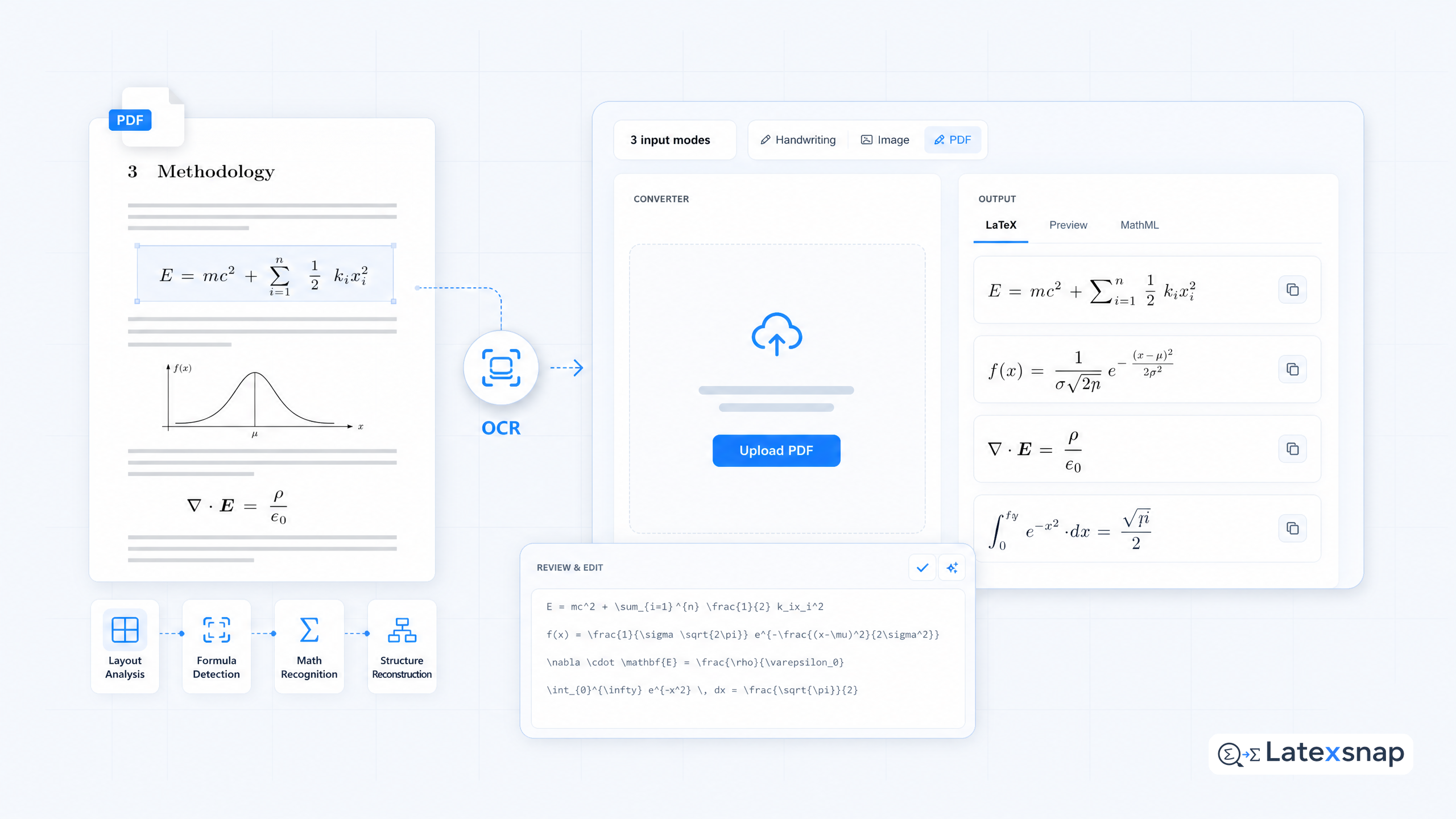
Convert formulas faster
Turn screenshots, handwriting, and PDFs into editable LaTeX.
