How to Make LaTeX Documents Accessible: A Guide for Professors
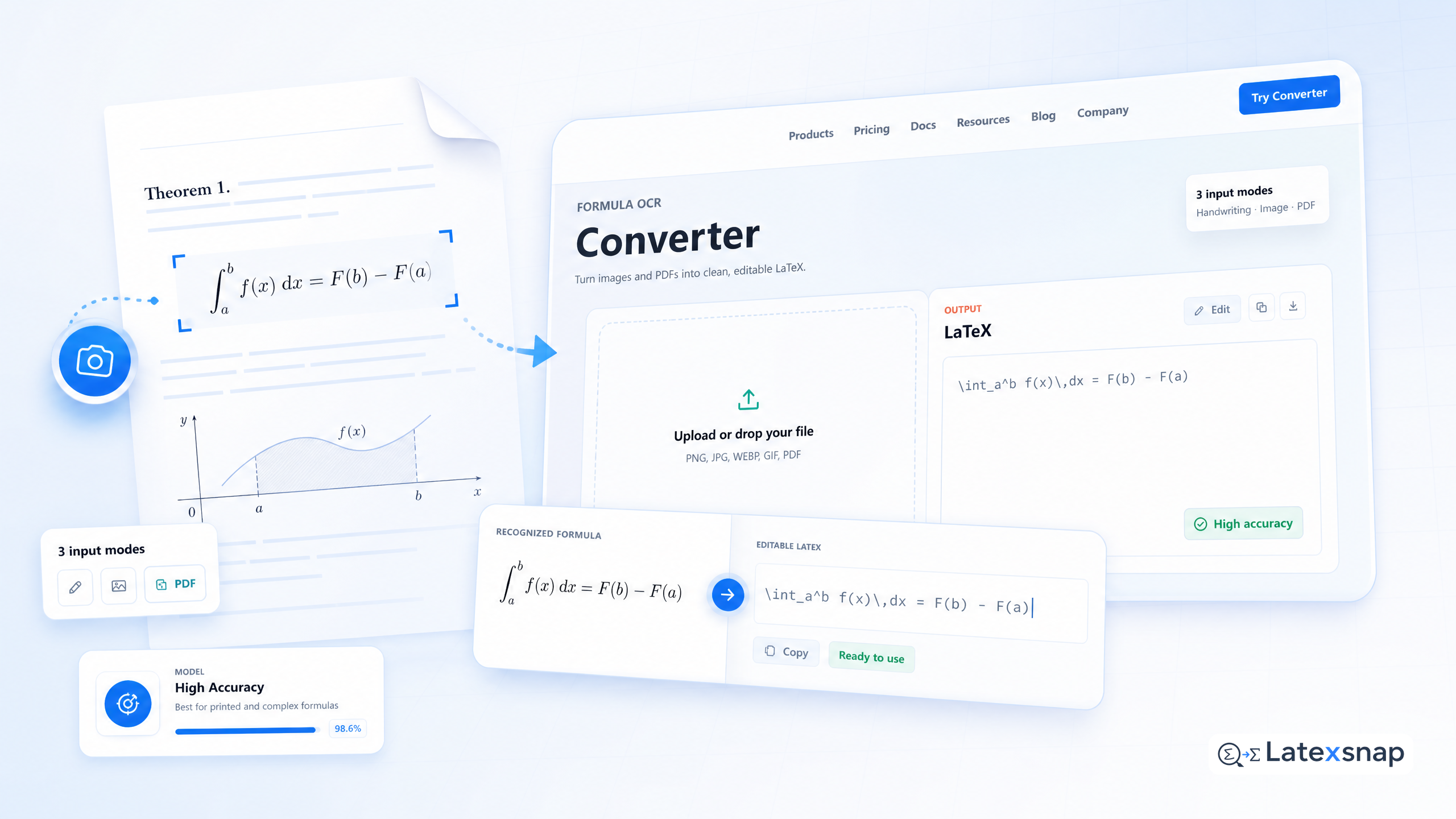
If you teach or publish at a university, you've probably heard the push: all course materials need to be accessible. Slides, handouts, exams – anything a student might need. The problem is that most academic content lives in PDFs produced by LaTeX, and those PDFs are essentially images to a screen reader.
This guide explains how to turn LaTeX into accessible documents that work with screen readers and assistive technology. We'll cover the basics of MathML, the practicalities of HTML conversion, and the tools you can use to make your work accessible without losing control over the content.
Why LaTeX Needs Accessibility Work
LaTeX is the standard for academic publishing. It gives you precise control over equations, citations, and formatting. But by default, LaTeX outputs PDFs that are not accessible to screen readers. For teams extending this workflow, How to Keep Citations and LaTeX Equations Organized in Research Notes is a natural follow-up for citation and equation notes.
When a student uses a screen reader to navigate your course materials, they might hear "Figure 1" or "Equation 3" but not know what the equation actually says. This creates a barrier to learning for students with visual impairments.
The good news is that LaTeX has tools to make documents accessible. With a bit of work, you can ensure your students can access all your content.
The Gold Standard: MathML in HTML
All modern browsers render it natively, and screen readers like JAWS, NVDA, and VoiceOver support it. If your institution publishes course materials online (Canvas, Moodle, a course website), HTML with MathML is the gold standard for accessible math. A useful companion workflow is Image to LaTeX workflow, especially when formula OCR workflow becomes part of the review process.
The practical approach many professors take: distribute the PDF for print and general use, and provide an HTML version for online access. This way, students can choose the format that works best for them. For a related next step on document OCR workflow, see PDF to LaTeX Converter Workflow.
Converting LaTeX to HTML with MathML
There are several tools that can convert LaTeX to HTML with MathML. One popular option is MathJax, which renders LaTeX in the browser. Another is MathML-JS, which converts LaTeX to MathML.
These tools can be a bit tricky to set up, but they're worth the effort if you want to make your documents accessible. Here's a basic example of how to use MathJax: If you want to compare this with another practical angle, How to Write Fractions in LaTeX covers LaTeX editing workflow in more detail.
<script src="https://cdn.jsdelivr.net/npm/mathjax@3/es5/tex-mml-chtml.js"></script>This script will render any LaTeX in your HTML document as MathML. You can then use standard HTML tags to structure your content.
Using Tagged PDFs for Print Materials
If you're distributing PDFs for print or general use, you can still make them accessible. The key is to use tagged PDFs, which include structural information that screen readers can use.
The tagpdf package (by the LaTeX Project) creates properly tagged PDFs where headings, paragraphs, lists, and tables are all machine-readable:
usepackage{tagpdf}
tagpdfsetup{activate-all}
Compile with lualatex for best results. This ensures that your PDF is accessible to screen readers and meets PDF/UA standards.
Reviewing and Testing Your Documents
Once you've converted your LaTeX to HTML or created a tagged PDF, it's important to review and test your documents. Here are some tips: When the document pipeline gets more complex, Nougat and Academic Paper OCR for Equation-Heavy Documents gives more context on academic paper OCR.
- Check that all equations are readable. Use a screen reader to listen to your document and make sure the equations are pronounced correctly.
- Look for any missing or incorrect tags. If you're using tagpdf, check that all headings, paragraphs, and lists are properly tagged.
- Test with different screen readers. Not all screen readers interpret MathML the same way, so it's important to test with multiple tools.
Making Accessibility a Habit
Accessibility is not a one-time task. It's an ongoing process that requires regular review and testing. Here are some ways to make accessibility a habit:
- Include accessibility checks in your document workflow. Before you finalize a document, run it through an accessibility checker and make any necessary adjustments.
- Stay up-to-date with accessibility standards. Accessibility guidelines change over time, so it's important to stay informed about the latest best practices.
- Collaborate with accessibility experts. If you're unsure about how to make your documents accessible, reach out to an accessibility expert for guidance.
Conclusion
Making LaTeX documents accessible is an important step in ensuring that all students can access your course materials. By using MathML in HTML or creating tagged PDFs, you can make your documents accessible to screen readers and assistive technology.
Remember that accessibility is an ongoing process. Regular review and testing will help you ensure that your documents remain accessible over time. With a bit of effort, you can make your LaTeX documents accessible to all students.
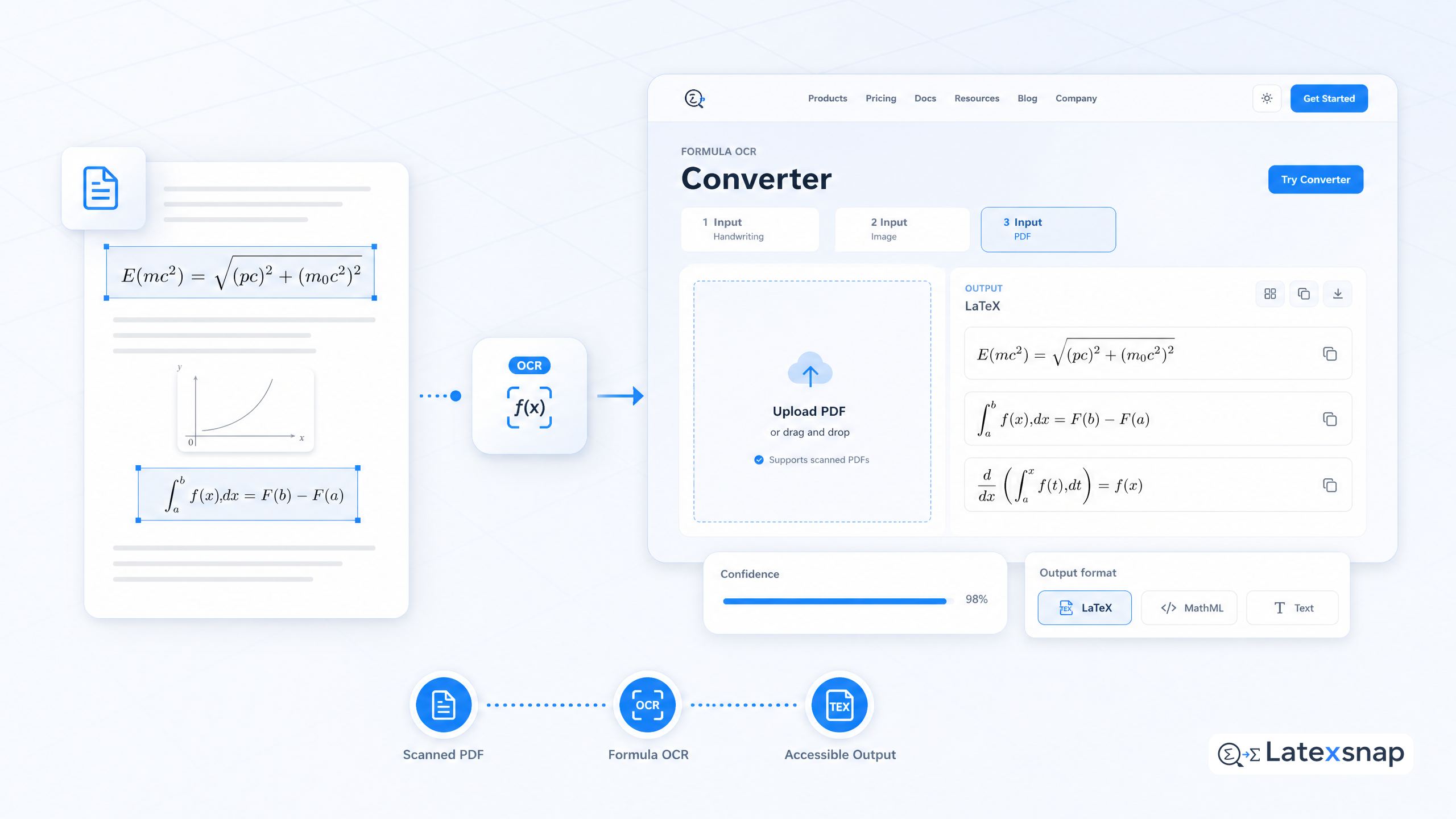
Convert formulas faster
Turn screenshots, handwriting, and PDFs into editable LaTeX.
