Convert, Search, and Review PDFs Across Devices

If you work with PDFs regularly, you know how frustrating it can be when you need to extract content from a document. Whether you're a student, researcher, educator, or technical writer, you may need to convert PDFs to editable formats, search through them, or review their content. LatexSnap can help you do all of this quickly and easily on any device.
Convert PDFs using OCR
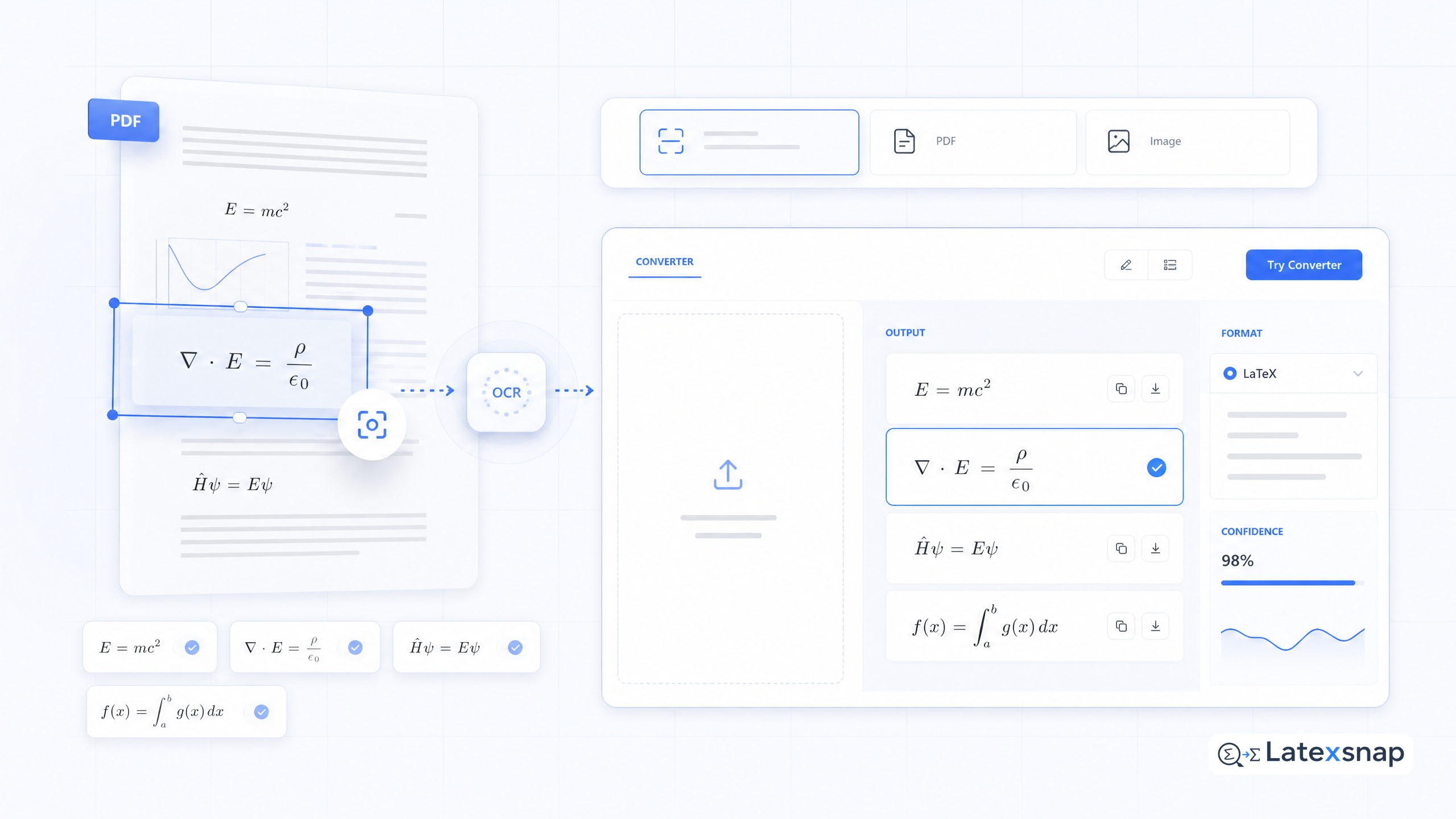
LatexSnap can convert PDFs to editable notes or other useful file formats like LaTeX, DOCX, Markdown, and HTML. It works on two-column PDFs, PDFs with math, tables, chemistry, figures, and diagrams, and even handwritten PDFs. For a related next step on document OCR workflow, see Convert Whole PDFs to LaTeX, DOCX, and Markdown.
To convert a PDF, simply upload it to LatexSnap. The tool will use OCR to recognize the text and images in the document and convert them to the desired format. You can then download the converted file or copy the content to your clipboard. For teams extending this workflow, How to Convert Images to LaTeX Equations is a natural follow-up for formula OCR workflow.
Search all your PDFs, even handwritten ones
LatexSnap can also search through all your PDFs, even handwritten ones. This is especially useful if you have a large collection of documents and need to find specific information quickly.
To search your PDFs, simply type your search query into the search bar on LatexSnap. The tool will use OCR to recognize the text and images in your documents and search for matches. You can then click on the individual results to view them in an expanded view.
Convert PDFs to LaTeX
If you're a LaTeX user, you'll be happy to know that LatexSnap can convert PDFs to LaTeX. This is especially useful if you need to extract equations or mathematical expressions from a PDF and use them in your own LaTeX document. A useful companion workflow is PDF to LaTeX Converter Workflow, especially when document OCR workflow becomes part of the review process.
To convert a PDF to LaTeX, simply upload it to LatexSnap and select the LaTeX option from the conversion menu. The tool will use OCR to recognize the text and images in the document and convert them to LaTeX code. You can then download the converted file or copy the content to your clipboard. If you want to compare this with another practical angle, PDF to Word Conversion for Equation OCR covers document OCR workflow in more detail.
Search for specific content in PDFs
LatexSnap can also search for specific content in PDFs. This is especially useful if you need to find a specific equation, table, or figure in a document.
To search for specific content, simply type your search query into the search bar on LatexSnap. The tool will use OCR to recognize the text and images in your documents and search for matches. You can then click on the individual results to view them in an expanded view.
Review and edit PDF content
LatexSnap can also help you review and edit PDF content. This is especially useful if you need to make changes to a document before using it in your own work.
To review and edit PDF content, simply upload the document to LatexSnap and use the OCR tool to recognize the text and images. You can then make changes to the content using the editing tools provided by LatexSnap.
Convert PDFs on any device
LatexSnap can be used on any device, including desktop computers, laptops, tablets, and smartphones. This means you can convert, search, and review PDFs on the go, no matter where you are. When the document pipeline gets more complex, LaTeX Beamer gives more context on LatexSnap workflow.
To use LatexSnap on your device, simply download the app or visit the website. You can then upload PDFs, search for specific content, and review and edit the content using the tools provided by LatexSnap.
Conclusion
LatexSnap is a powerful tool for anyone who works with PDFs regularly. Whether you need to convert PDFs to editable formats, search through them, or review their content, LatexSnap can help you do it quickly and easily on any device. Give it a try today and see how much time and effort it can save you!
Convert formulas faster
Turn screenshots, handwriting, and PDFs into editable LaTeX.
