How to Keep Citations and LaTeX Equations Organized in Research Notes
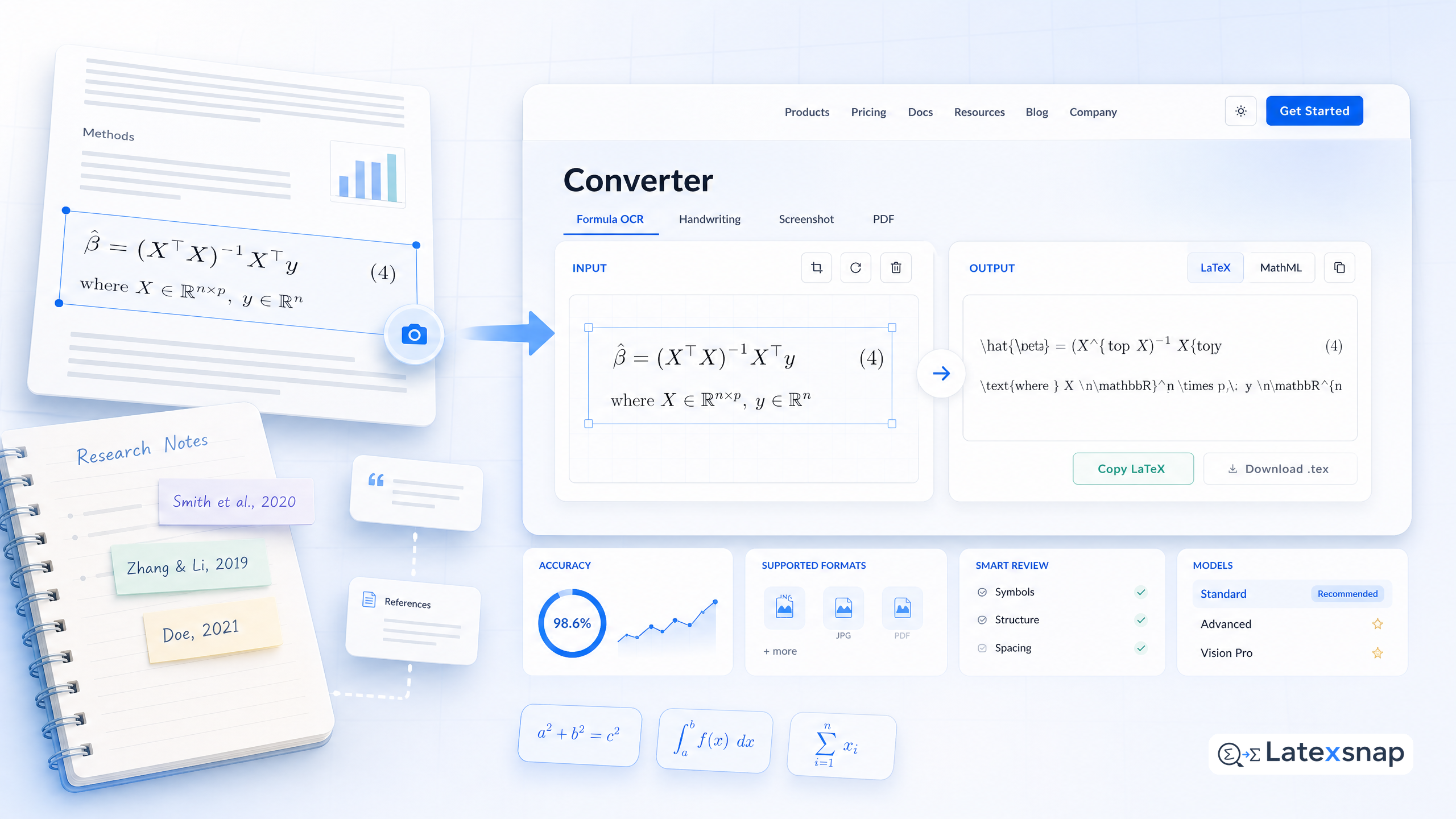
Research notes are a critical part of academic and technical writing. Whether you're a student, researcher, educator, or technical writer, managing citations and LaTeX equations can be challenging. In this guide, we'll explore practical strategies to keep your notes organized, efficient, and ready for publication. For a related next step on citation and equation notes, see citation and equation notes.
1. Use a LaTeX Editor with AI-Powered Citation Tools
Finding and managing citations is a crucial part of academic writing. With the integration of AI in a LaTeX editor, this process has become more efficient and streamlined. One of the key features of these editors is the ability to find citations directly within the editor. This means you can search for relevant papers and access their BibTeX entries with just a few clicks.
For instance, a LaTeX writing assistant can tap directly into arXiv's vast repository of scientific papers, giving you access to the latest research in your field. Once you've found a relevant paper, you can copy its BibTeX entry with a single click. This makes it incredibly easy to keep your references up-to-date and accurate.
2. Convert Handwritten Notes to LaTeX with Equation OCR
One of the most time-consuming aspects of converting lecture notes to LaTeX is dealing with handwritten equations and diagrams. This is where equation OCR comes into play. Equation OCR technology can convert handwritten notes, diagrams, and equations into editable LaTeX code, saving you hours of manual typing and formatting. For teams extending this workflow, How to Convert Images to LaTeX Equations is a natural follow-up for formula OCR workflow.
For example, if you have handwritten notes from a lecture, you can use equation OCR to convert them into LaTeX. This not only saves time but also ensures that your equations are formatted correctly and consistently. Additionally, equation OCR can handle complex mathematical expressions, making it a valuable tool for researchers and students alike. If you want to compare this with another practical angle, AI Drafting for LaTeX Equations covers LatexSnap workflow in more detail.
3. Organize Your Notes with a Structured Approach
Organizing your notes is essential for maintaining clarity and efficiency. A structured approach can help you keep your notes tidy and easy to navigate. Here are some tips for organizing your notes effectively:
- Use a Consistent Naming Convention: Name your files and folders consistently to make it easier to find and reference them later.
- Create a Hierarchical Structure: Organize your notes into categories and subcategories based on the topic or project.
- Use Tags and Keywords: Tag your notes with relevant keywords to make it easier to search and retrieve specific information.
- Regularly Review and Update: Periodically review your notes to ensure they are up-to-date and accurate.
4. Leverage LaTeX Templates for Consistency
LaTeX templates can be a valuable resource for maintaining consistency in your documents. Whether you're writing a research paper, thesis, or technical report, using a template can help ensure that your formatting is consistent and professional.
Many LaTeX editors offer a variety of templates that you can use as a starting point. These templates often include pre-defined styles for citations, equations, and other elements, making it easier to create a polished and professional document.
5. Review and Refine Your LaTeX Code
Once you've converted your notes to LaTeX, it's important to review and refine the code to ensure it's accurate and error-free. Here are some tips for reviewing your LaTeX code: When the document pipeline gets more complex, How to Write Fractions in LaTeX gives more context on LaTeX editing workflow.
- Check for Syntax Errors: Use a LaTeX editor with built-in syntax checking to identify and fix any errors in your code.
- Review Citations and References: Ensure that all citations and references are correctly formatted and up-to-date.
- Test Equations and Figures: Verify that all equations and figures are rendered correctly and are formatted consistently.
- Seek Feedback: Share your LaTeX code with colleagues or peers for feedback and suggestions for improvement.
6. Stay Organized and Efficient
Finally, staying organized and efficient is key to managing your research notes effectively. Here are some additional tips for maintaining organization and efficiency:
- Use a Project Management Tool: Consider using a project management tool to keep track of your notes, deadlines, and tasks.
- Set Regular Review Sessions: Schedule regular review sessions to go over your notes and ensure they are up-to-date.
- Keep a Backup: Regularly back up your notes and LaTeX files to prevent data loss.
- Stay Updated: Keep up-to-date with the latest tools and technologies for managing research notes and LaTeX documents.
By following these strategies, you can keep your citations and LaTeX equations organized and efficient, making your research and writing process smoother and more productive. Whether you're a student, researcher, educator, or technical writer, these tips can help you stay on top of your notes and produce high-quality documents. A useful companion workflow is citation and equation notes, especially when citation and equation notes becomes part of the review process.

Convert formulas faster
Turn screenshots, handwriting, and PDFs into editable LaTeX.
