How to Keep Citations and LaTeX Equations Organized in Research Notes for Lab Reports
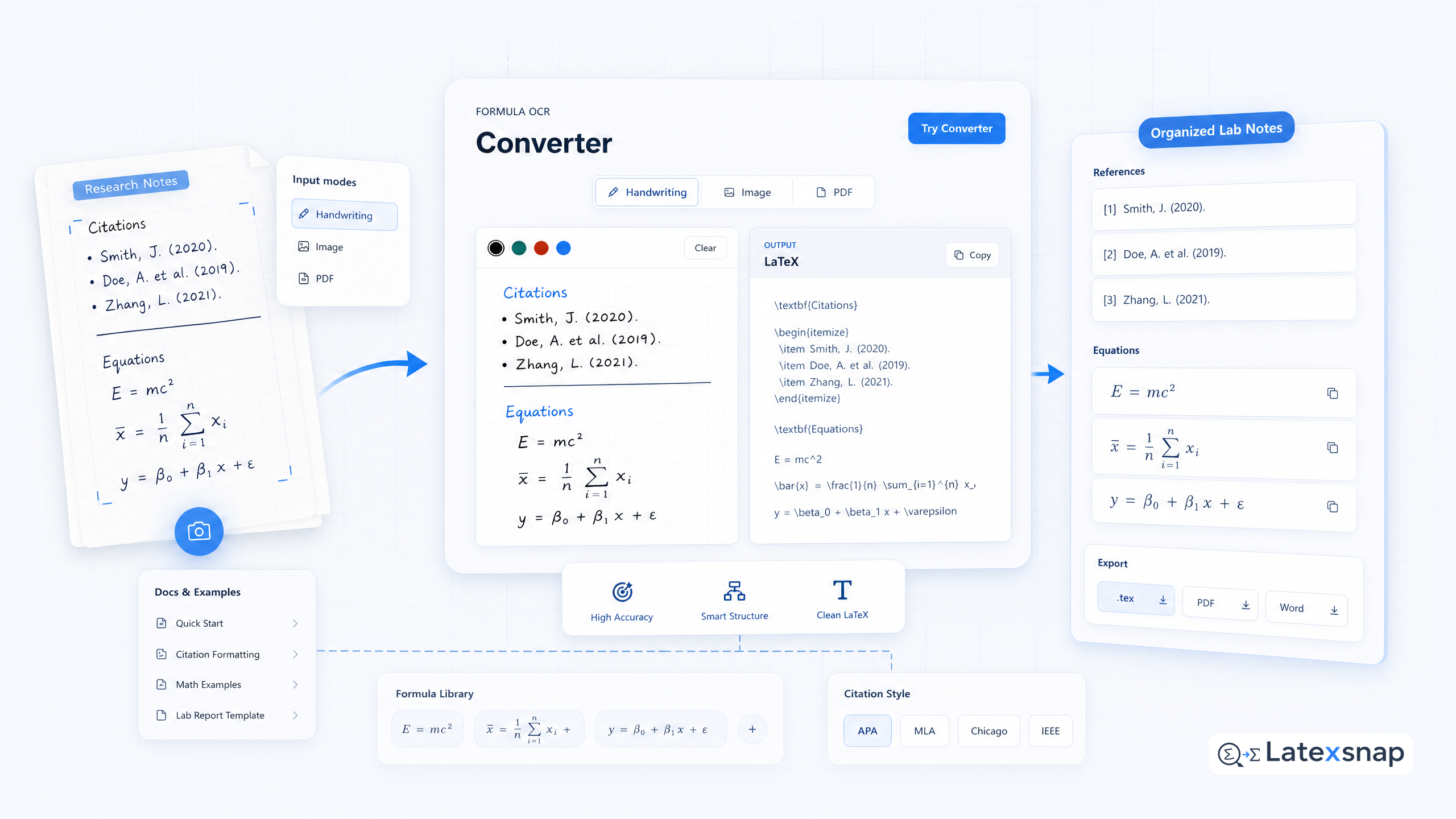
Research notes are the backbone of academic work. They help you track ideas, organize data, and build arguments. But when you're dealing with citations and LaTeX equations, things can get messy fast. For a related next step on citation and equation notes, see How to Keep Citations and LaTeX Equations Organized in Research Notes.
This guide shows you how to keep your notes clean, organized, and ready for lab reports or papers. If you want to compare this with another practical angle, LaTeX Basics for Math Formula Typesetting for Lab Reports covers LatexSnap workflow in more detail.
Why Research Notes Matter
Research notes help you:
- Track your progress
- Organize sources
- Reuse ideas and equations
- Write faster and more clearly
Without good notes, you'll waste time searching for information or rewriting equations. With them, you'll save hours and write better.
The Problem with Unorganized Notes
Many students and researchers face common challenges:
- Citations get lost – You an evaluation workflowt where you found a source or how to cite it.
- Equations get messy – Handwritten formulas are hard to read or reuse.
- Notes get scattered – Ideas end up in multiple files or notebooks.
These problems slow you down and make writing harder.
How LatexSnap Helps
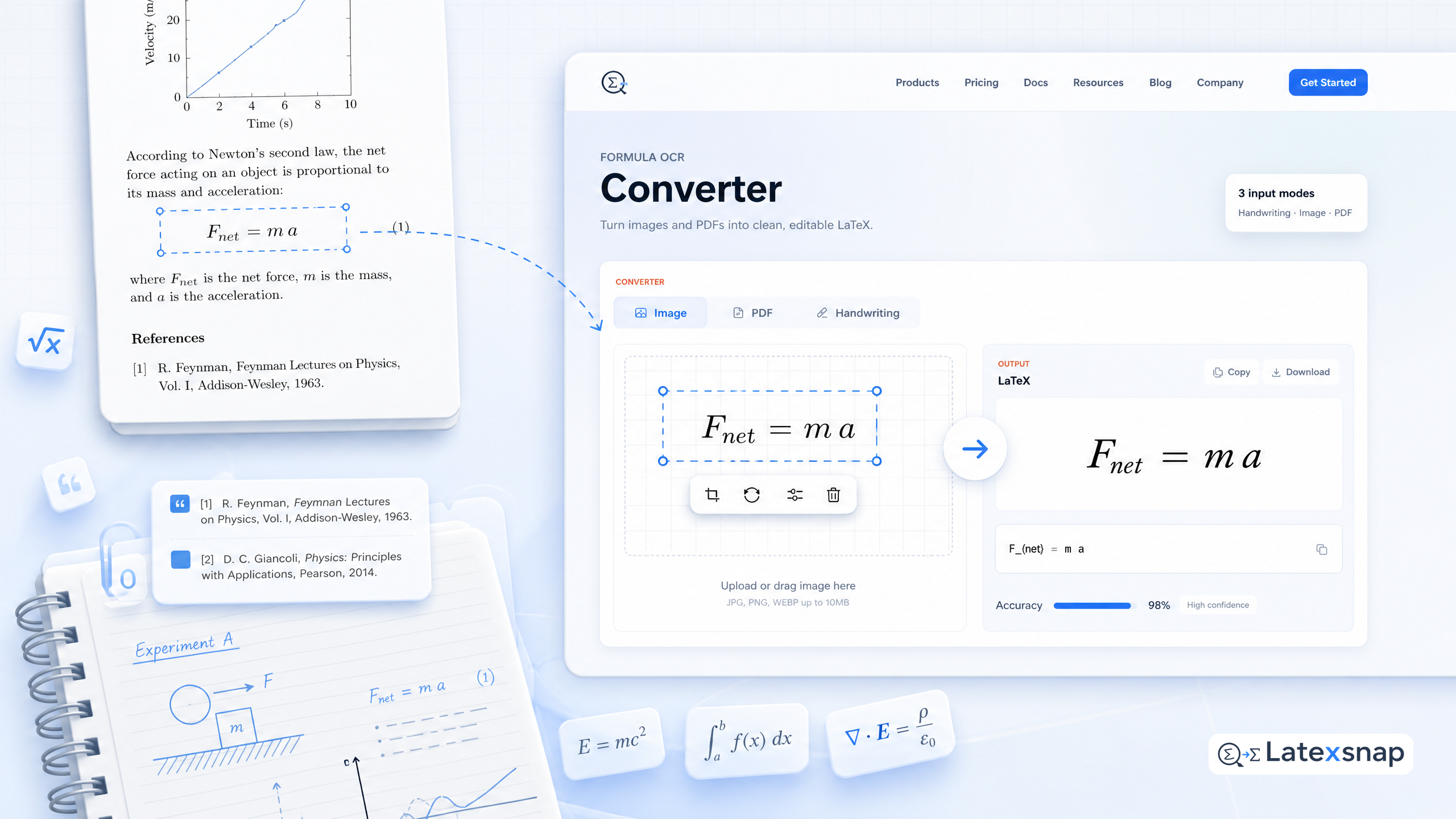
LatexSnap makes it easy to convert images, handwriting, and PDFs into clean LaTeX. You can: For teams extending this workflow, How to Convert Images to LaTeX Equations is a natural follow-up for formula OCR workflow.
- Snap a photo of an equation and get LaTeX instantly
- Convert handwritten notes into editable text
- Turn PDF snippets into LaTeX code
This saves time and keeps your notes consistent.
Step 1: Capture Equations and Citations
Start by capturing everything you need. Use your phone or scanner to take photos of:
- Equations from textbooks or papers
- Handwritten notes
- PDF snippets with citations
You don't need to type anything yet. Just collect the material you'll use later.
Step 2: Convert Images to LaTeX
Use LatexSnap to turn your images into LaTeX. Here's how:
- Upload your image to LatexSnap
- Wait for the conversion
- Copy the LaTeX code
You'll get clean, editable LaTeX for equations and text. This makes it easy to insert into your notes or documents.
Step 3: Organize Your Notes
Create a folder structure to keep things tidy. For example:
research-notes/
 01-equations/
 02-citations/
 03-drafts/
 04-final/
Store equations in one folder, citations in another, and drafts in a third. This makes it easy to find what you need.
Step 4: Use BibTeX or BibLaTeX
For citations, use BibTeX or BibLaTeX. These tools help you manage references and generate bibliographies.
Here's a simple BibTeX entry:
@article{smith2020example,
  title={Example Title},
  author={Smith, John},
  journal={Journal Name},
  year={2020}
}
You can store these entries in a .bib file and link them to your notes.
Step 5: Review and Refine
After converting and organizing, review your work:
- Check for typos or formatting issues
- Ensure equations are correct
- Verify citations are accurate
A quick review saves time later and improves quality.
Step 6: Write Your Lab Report
Now that your notes are ready, write your lab report. Use the organized LaTeX and citations to build your document.
You'll find that writing is faster and clearer. Your report will look professional and well-structured. When the document pipeline gets more complex, LaTeX editing workflow gives more context on LaTeX editing workflow.
Tips for Better Notes
Here are a few extra tips to improve your workflow:
- Use consistent naming – Name files clearly, like
equation1.pdforcitation1.bib. - Backup regularly – Save your notes in the cloud or on an external drive.
- Review often – Go over your notes weekly to keep them fresh.
These small habits make a big difference.
Final Thoughts
Organizing citations and equations in research notes doesn't have to be hard. With tools like LatexSnap and a simple workflow, you can save time and write better. A useful companion workflow is citation and equation notes, especially when citation and equation notes becomes part of the review process.
Start small. Capture one equation or citation today. Soon, you'll have a system that works for you.
Happy writing!
Convert formulas faster
Turn screenshots, handwriting, and PDFs into editable LaTeX.
