Python Clients for Document Conversion Workflows
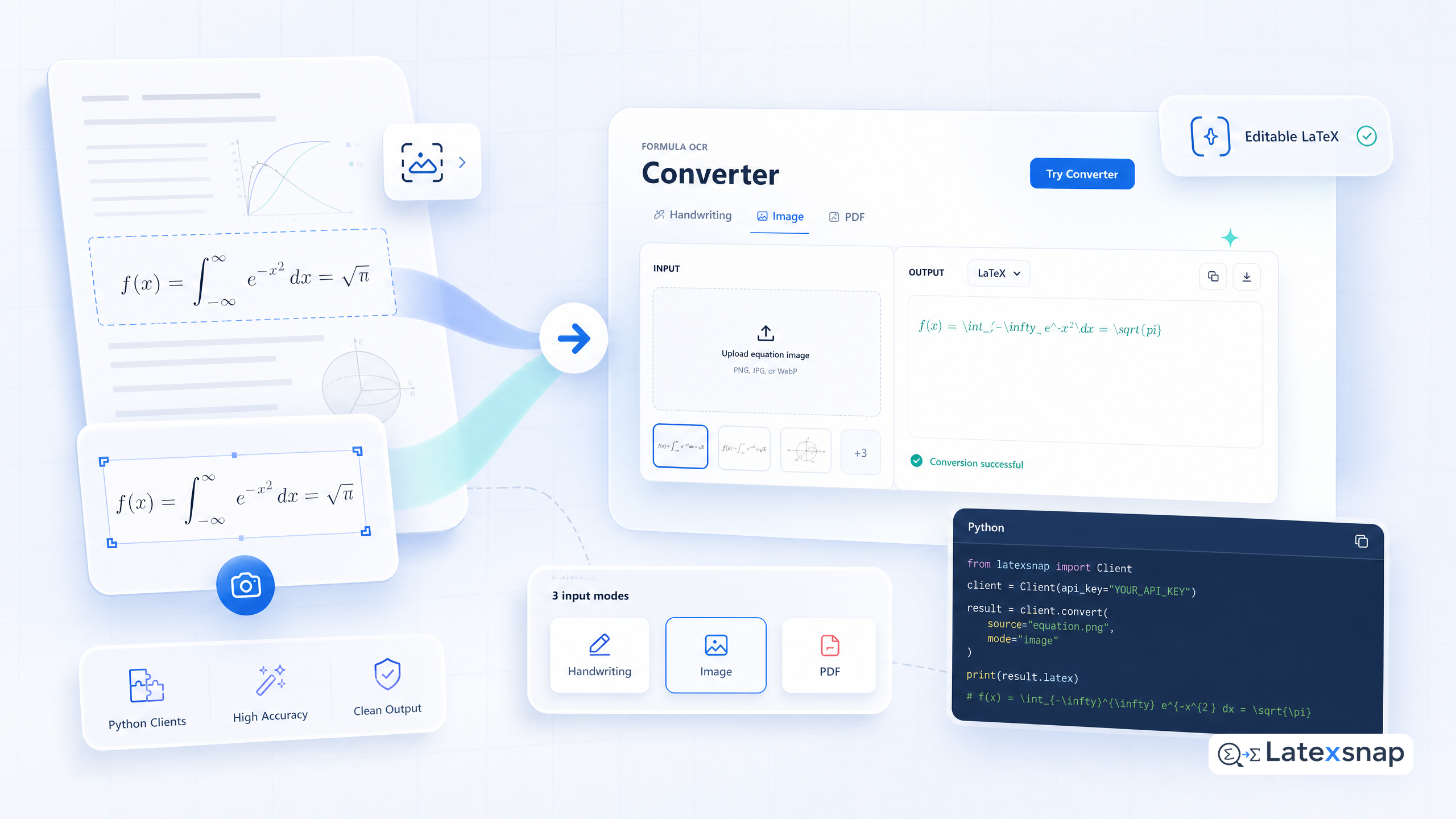
Integrating document conversion into your workflow can feel like solving a puzzle with missing pieces. Whether you're converting PDFs to LaTeX, extracting formulas from images, or transforming Word documents into eBooks, the process often involves multiple steps and manual adjustments. That's where Python clients come in. They simplify the workflow, automate repetitive tasks, and make document conversion seamless. A useful companion workflow is Convert Notes to LaTeX: A Practical LatexSnap Reading and Conversion Workflow, especially when LatexSnap workflow becomes part of the review process.
In this guide, we'll walk through how Python clients can streamline your document conversion process. We'll cover key features, practical examples, and tips for optimizing your workflow. For a related next step on LatexSnap workflow, see LaTeX Beamer.
What is a Python Client for Document Conversion?
A Python client is a tool that allows you to interact with document conversion APIs using Python code. Instead of manually uploading files or navigating complex interfaces, you can send requests directly from your Python script. This makes it easier to automate tasks, integrate conversions into larger workflows, and manage multiple documents at once.
Python clients are especially useful for developers, researchers, and anyone working with large volumes of documents. They eliminate the need for repetitive manual steps and provide a flexible way to handle different file formats.
Key Features of Python Clients
Python clients offer a range of features that make document conversion more efficient. Here are some of the most important ones:
- Support for Multiple File Formats: Python clients can handle various file types, including PDFs, DOCX, PPTX, and EPUB. This means you can convert documents without worrying about format compatibility.
- Automated Processing: With Python clients, you can set up scripts to process documents automatically. This is ideal for batch conversions or integrating document handling into larger workflows.
- Customizable Options: Many Python clients allow you to adjust conversion settings, such as output formats, quality preferences, and specific extraction rules. This gives you control over the final result.
- Error Handling and Logging: Python clients often include built-in error handling and logging features. This helps you troubleshoot issues and track the progress of your conversions.
Setting Up a Python Client
Getting started with a Python client is straightforward. First, you'll need to install the client library using pip:
pip install your-client-libraryNext, you'll need to obtain an API key from the service provider. This key will authenticate your requests and allow you to access the conversion APIs. Once you have the key, you can initialize the client in your Python script:
from your_client import Client

client = Client(api_key="your-api-key")
With the client set up, you're ready to start converting documents.
Converting PDFs to LaTeX
One of the most common use cases for Python clients is converting PDFs to LaTeX. This is especially useful for researchers and academics who need to work with mathematical formulas or technical documents.
Here's a simple example of how to convert a PDF to LaTeX using a Python client:
from your_client import Client

client = Client(api_key="your-api-key")

response = client.pdf_to_latex(url="https://example.com/document.pdf")

with open("output.tex", "w") as f:
    f.write(response.latex)
This script uploads the PDF, converts it to LaTeX, and saves the output to a file. You can customize the process further by adjusting settings like output quality or specific formatting options.
Handling DOCX and PPTX Files
Python clients can also handle Microsoft Office formats like DOCX and PPTX. This is useful if you need to convert Word documents or PowerPoint presentations into other formats, such as LaTeX or eBooks.
For example, here's how you might convert a DOCX file to LaTeX:
from your_client import Client

client = Client(api_key="your-api-key")

response = client.docx_to_latex(url="https://example.com/document.docx")

with open("output.tex", "w") as f:
    f.write(response.latex)
The process is similar for PPTX files. You can use the same client to handle multiple file types, making it a versatile tool for document conversion. For teams extending this workflow, LatexSnap workflow is a natural follow-up for LatexSnap workflow.
Working with EPUB Files
EPUB files are commonly used for eBooks and digital publications. Python clients can convert these files into other formats, such as PDF or LaTeX, which can be useful for publishing or archiving purposes.
Here's an example of converting an EPUB file to PDF:
from your_client import Client

client = Client(api_key="your-api-key")

response = client.epub_to_pdf(url="https://example.com/book.epub")

with open("output.pdf", "wb") as f:
    f.write(response.pdf)
This script demonstrates how to handle eBook formats and convert them into more traditional document types. When the document pipeline gets more complex, Typst vs LaTeX gives more context on LatexSnap workflow.
Tips for Optimizing Your Workflow
To get the most out of Python clients, consider these tips:
- Batch Processing: If you're working with multiple documents, set up your script to process them in batches. This can save time and reduce manual effort.
- Error Handling: Always include error handling in your scripts to catch issues early. This ensures that problems don't halt your entire workflow.
- Logging: Use logging to track the progress of your conversions. This makes it easier to debug issues and monitor performance.
- Testing: Test your scripts with a variety of file types and formats to ensure compatibility. This helps you identify potential issues before they become problems.
Conclusion
Python clients are a powerful tool for automating document conversion workflows. Whether you're converting PDFs to LaTeX, handling DOCX files, or working with EPUB eBooks, Python clients make the process faster and more efficient. By setting up a client, customizing your conversion options, and optimizing your workflow, you can streamline your document handling and focus on what matters most. If you want to compare this with another practical angle, LatexSnap workflow covers LatexSnap workflow in more detail.
If you're looking to improve your document conversion process, Python clients are a great place to start. With their flexibility and automation capabilities, they can transform the way you work with documents.

Convert formulas faster
Turn screenshots, handwriting, and PDFs into editable LaTeX.
