Image to TikZ Converter for Equation OCR
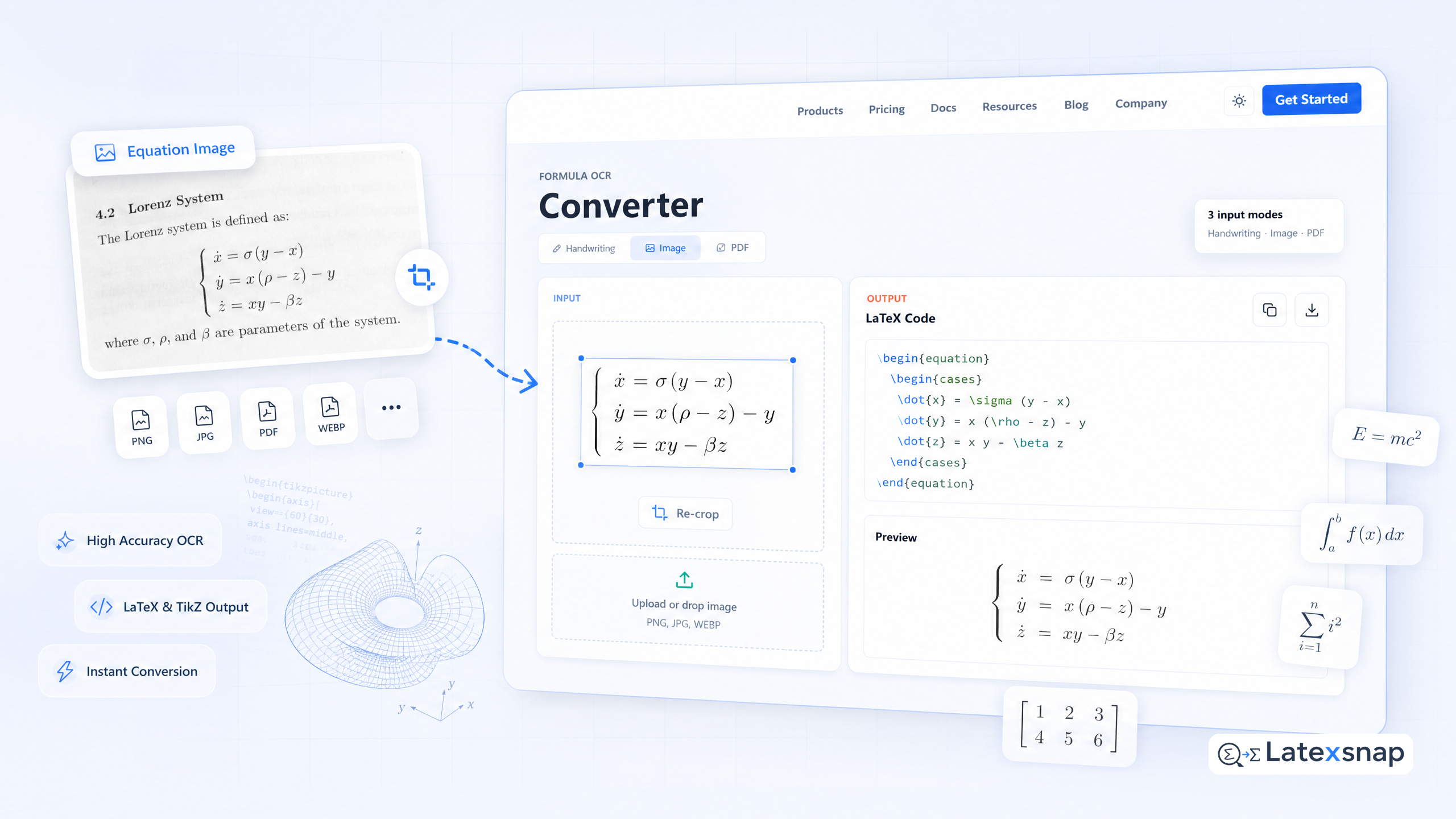
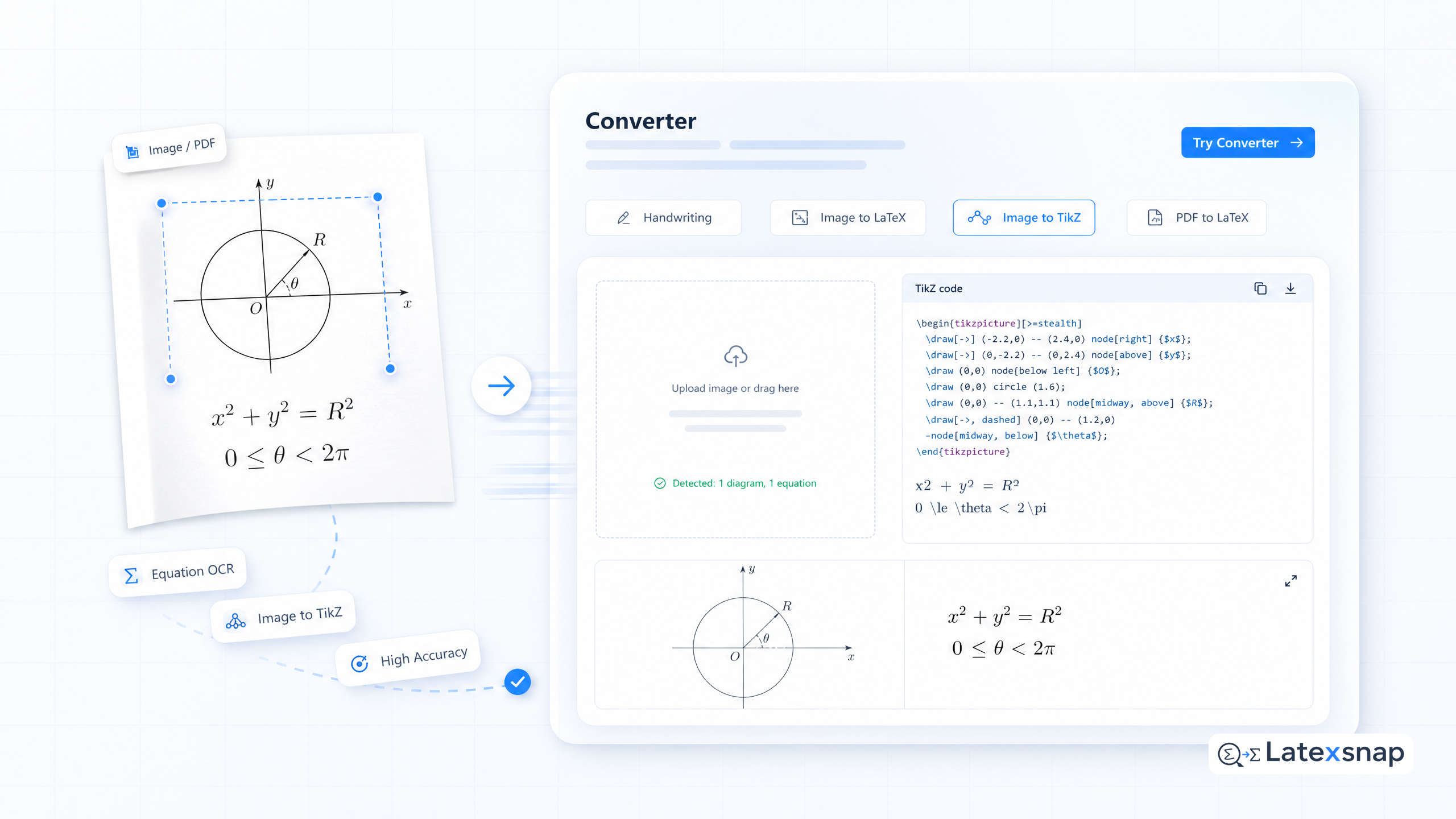
Converting images, diagrams, and equations into LaTeX code is a time-consuming process. Whether you're working on a research paper, thesis, or technical documentation, manually coding complex diagrams is tedious. That's why we created our Image to TikZ Converter – a tool that transforms images into TikZ code in seconds.
No longer do you need to spend hours learning complex TikZ syntax or manually coding each element of your diagrams. Whether you're preparing a research paper, writing your thesis, or creating technical documentation, our AI-powered converter saves you time while producing publication-quality results. The seamless integration with a LaTeX editor means you can focus on the content while we handle the technical details. For teams extending this workflow, How to Write a Thesis in LaTeX is a natural follow-up for LatexSnap workflow.
Our tool includes a powerful follow-up feature that lets you refine the generated TikZ code:
- Fix compilation issues: If the code doesn't compile in a LaTeX editor, describe the error
- Adjust styling: Request color changes, line thickness, or font modifications
- Correct inaccuracies: Point out any elements that need repositioning or adjustment
- Add elements: Request additional components to be included in the diagram
How It Works
The Image to TikZ Converter uses advanced AI to analyze your image and generate the corresponding TikZ code. Simply upload your image, and our tool will automatically detect the elements and create the appropriate code.
The process is straightforward:
- Upload your image (supports PNG, JPG, and other common formats)
- Our AI analyzes the image and generates TikZ code
- Review and refine the code using our follow-up feature
- Copy the code directly into your LaTeX document
The converter handles various types of diagrams, including flowcharts, organizational charts, network diagrams, and more. It can also convert mathematical equations and formulas into LaTeX format.
Benefits of Using the Converter
Using the Image to TikZ Converter offers several advantages: If you want to compare this with another practical angle, Typst vs LaTeX covers LatexSnap workflow in more detail.
- Time-saving: What used to take hours can now be done in minutes
- Accuracy: The AI ensures precise conversion of diagrams and equations
- Flexibility: Easily modify and refine the generated code
- Seamless integration: Works directly with your LaTeX editor
- Publication-ready: Produces code that meets academic and professional standards
Whether you're a student, researcher, or professional, this tool can significantly improve your workflow and reduce the time spent on diagram creation. For a related next step on LatexSnap workflow, see LaTeX Beamer.
Tips for Best Results
To get the best results from the Image to TikZ Converter, consider the following tips:
- Use high-quality images with clear lines and text
- Ensure the image is properly cropped and focused
- Provide detailed feedback when refining the code
- Test the generated code in your LaTeX editor before finalizing
- Save your work regularly to avoid losing progress
By following these guidelines, you can maximize the effectiveness of the converter and achieve professional-quality results. When the document pipeline gets more complex, PDF to LaTeX Converter Workflow gives more context on document OCR workflow.
Conclusion
The Image to TikZ Converter is a powerful tool for anyone working with diagrams, flowcharts, and equations in LaTeX. By automating the conversion process, it saves time and reduces the complexity of creating professional-quality visuals. Whether you're preparing a research paper, writing a thesis, or creating technical documentation, this tool can significantly improve your workflow. A useful companion workflow is AI Drafting for LaTeX Equations, especially when LatexSnap workflow becomes part of the review process.
Try it out today and experience the convenience of converting images to TikZ code in seconds. With its advanced AI technology and user-friendly interface, it's the perfect solution for anyone looking to streamline their diagram creation process.
Convert formulas faster
Turn screenshots, handwriting, and PDFs into editable LaTeX.
