How AI Drafting Helps Generate Tables and Equations in LaTeX
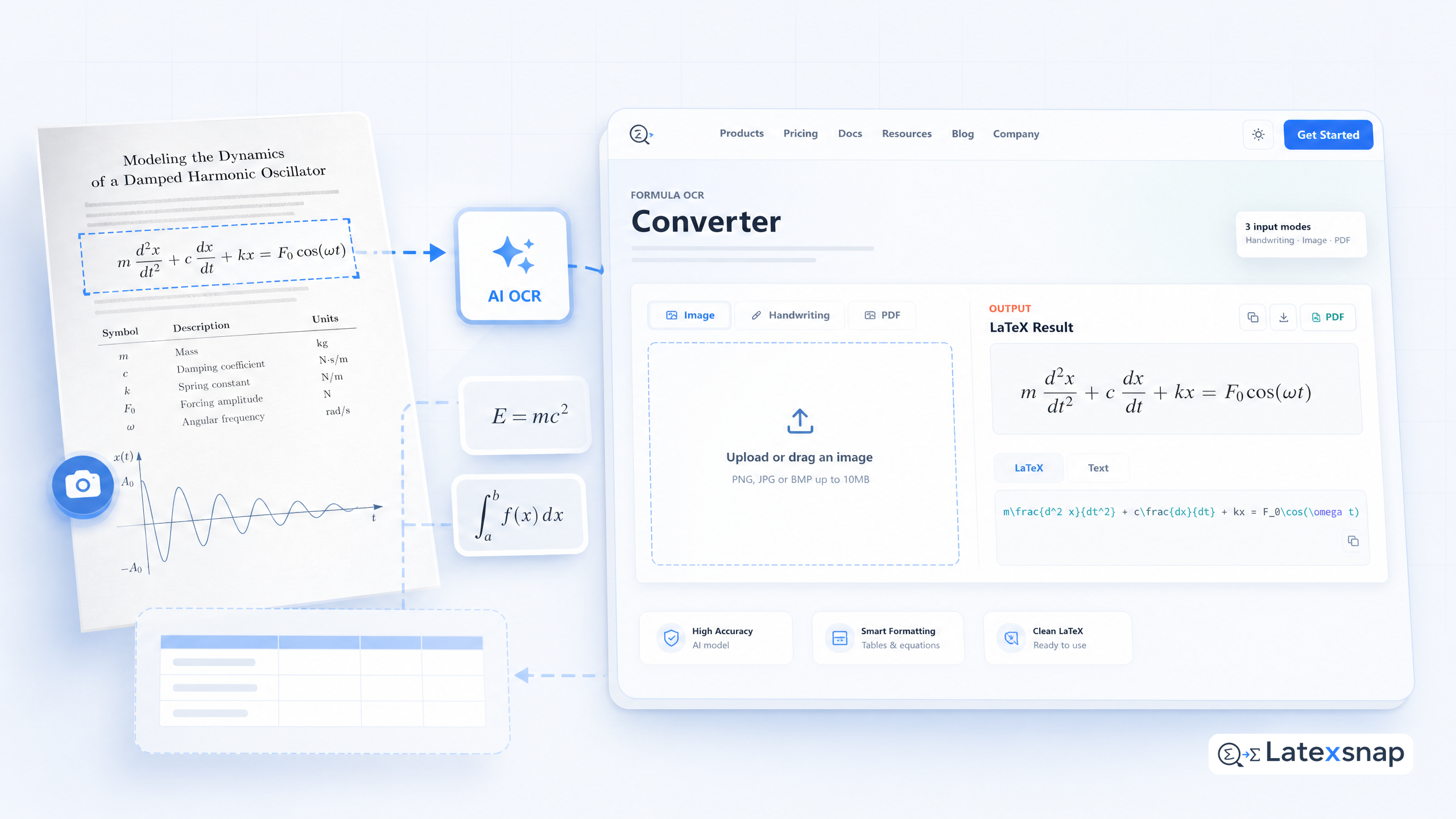
Writing academic papers, reports, or technical documents in LaTeX can be a time-consuming task, especially when it comes to creating complex tables and equations. Fortunately, advancements in AI drafting tools have made this process much more efficient. In this article, we will explore how AI drafting can help generate tables and equations in LaTeX, saving you valuable time and effort. When the document pipeline gets more complex, Writing LaTeX Math Equations with AI gives more context on formula OCR workflow.
The Power of AI Drafting
AI drafting tools leverage advanced machine learning algorithms to analyze and understand the content you provide. By using natural language processing techniques, these tools can interpret your instructions and generate the corresponding LaTeX code for tables and equations. This eliminates the need for manual coding, allowing you to focus on the content rather than the formatting.
Generating Tables with AI
Creating tables in LaTeX can be a tedious process, especially when dealing with complex data structures. AI drafting tools simplify this task by automatically generating the LaTeX code for tables based on your input. Simply provide the table data or describe the desired structure, and the AI will generate the corresponding LaTeX code. This not only saves time but also ensures accuracy and consistency in your tables.
Crafting Equations with AI
Equations are an essential part of many academic and technical documents. Writing them in LaTeX can be challenging, especially for complex mathematical expressions. AI drafting tools make equation creation a breeze by understanding your input and generating the appropriate LaTeX code. Whether you need simple equations or intricate mathematical formulas, AI drafting can handle it all, making your document more professional and visually appealing. For a related next step on document OCR workflow, see PDF to LaTeX Converter Workflow.
Benefits of AI Drafting
The use of AI drafting tools for generating tables and equations in LaTeX offers several benefits. Firstly, it significantly reduces the time and effort required to create these elements. Instead of manually coding each table or equation, you can simply provide the necessary information, and the AI will handle the rest. This allows you to focus on the content and structure of your document, rather than getting bogged down in the technical details. A useful companion workflow is Convert PDF to LaTeX: Document AI-Powered Document Conversion, especially when document OCR workflow becomes part of the review process.
Secondly, AI drafting ensures accuracy and consistency in your tables and equations. By automating the generation process, the risk of human error is minimized. The AI follows predefined rules and formats, ensuring that your tables and equations adhere to the proper LaTeX syntax. This not only saves you from potential formatting issues but also enhances the overall quality of your document. If you want to compare this with another practical angle, PDF to Word Conversion for Equation OCR covers document OCR workflow in more detail.
Tips for Effective AI Drafting
To make the most of AI drafting tools for generating tables and equations in LaTeX, consider the following tips:
- Provide clear and concise instructions: When using AI drafting tools, it is essential to provide clear and specific instructions. Be precise in describing the desired structure or content of your tables and equations. The more detailed your instructions, the better the AI can understand your requirements and generate accurate LaTeX code.
- Review and refine the generated code: While AI drafting tools are highly efficient, it is still crucial to review and refine the generated LaTeX code. Pay attention to any formatting issues or inconsistencies and make necessary adjustments. This ensures that your tables and equations align with the overall style and formatting of your document.
- Experiment with different inputs: AI drafting tools often offer various options and parameters for generating tables and equations. Don't hesitate to experiment with different inputs and settings to achieve the desired output. This allows you to customize the generated code to suit your specific needs and preferences.
Conclusion
AI drafting tools have revolutionized the way we create tables and equations in LaTeX. By leveraging advanced machine learning algorithms, these tools make the process of generating LaTeX code for tables and equations effortless and efficient. Whether you are a student, researcher, or professional, AI drafting can save you valuable time and effort, allowing you to focus on the content and structure of your documents. So, embrace the power of AI drafting and experience the convenience it brings to your LaTeX workflow. For teams extending this workflow, AI Drafting for LaTeX Equations is a natural follow-up for LatexSnap workflow.
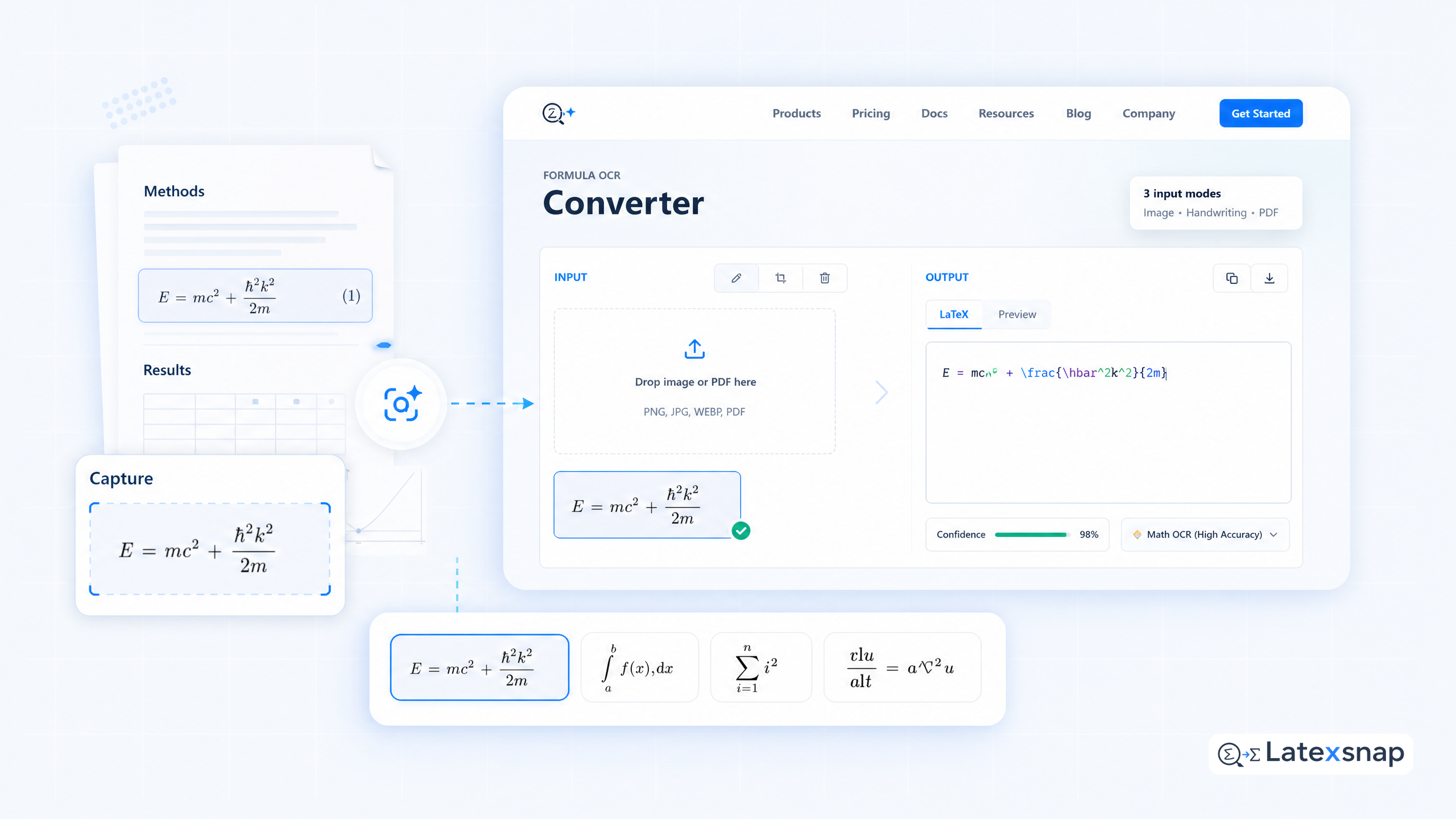
Convert formulas faster
Turn screenshots, handwriting, and PDFs into editable LaTeX.
